Anycubic is coming to the market with a very solid competitor to the premium Bambu Lab X1 Carbon at a significantly lower price – Anycubic Kobra S1 Combo! This is the most affordable 3D printer with support for multicolor printing and an enclosed print chamber. It’s a high-quality piece made from solid materials, quality components, and very fast printing of up to 600 mm/s.
The best price is now on AliExpress!
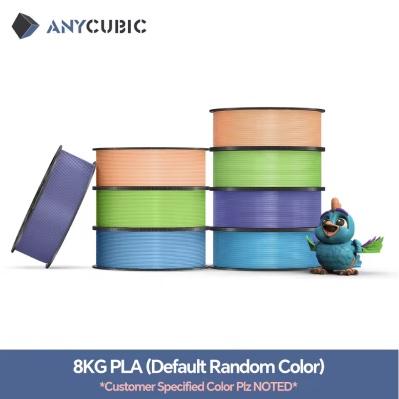
You can buy the Anycubic Kobra S1 Combo through our partner Geekbuying or on the AliExpress marketplace. A rich accessories bundle is also available, including a filament set. When buying, don’t forget to use our advantageous discount coupon, and fast delivery from the seller’s Polish warehouse is also a plus. Your parcel can arrive in as little as approx. 2 – 7 working days!
Important: Orders from Geekbuying come with our VIP support, which you get after downloading our extension for the Chrome browser on desktop only (for this store, never shop through the app). Right after payment, send us your order number so we can check that VIP support is valid!
TIPExpress delivery from a German warehouse without customs duty and VAT.
This product will be delivered to you express from a local German warehouse. Shipping from Germany usually takes 7–10 days, and delivery is handled by a courier. When it arrives, you won’t pay any extra fees—no customs duty or VAT.
699,00 €You save 138,88 €
560,12 €
CouponGKB13AC7Copied!
% Payment discount8,88 €?This discount is applied automatically at checkout — no coupon code needed.
Is it your first time shopping on Geekbuying?See the guide!
Updated 11. 11. 2025 at 17:35
TIPExpress delivery from the Polish warehouse with no customs duty and VAT.
This product will be delivered to you express from a local Polish warehouse. Delivery from Poland usually takes 7–10 days and is handled by a courier. When it’s delivered, you won’t pay any additional fees—no customs duty and no VAT.
808,00 €You save 119,00 €
689,00 €
CouponGKB13AC10Copied!
% Payment discount10,00 €?This discount is applied automatically at checkout — no coupon code needed.
Is it your first time shopping on Geekbuying?See the guide!
Updated 11. 11. 2025 at 17:35
TIPExpress delivery from the Polish warehouse with no customs duty and VAT.
This product will be delivered to you express from a local Polish warehouse. Delivery from Poland usually takes 7–10 days and is handled by a courier. When it’s delivered, you won’t pay any additional fees—no customs duty and no VAT.
Are you shopping on AliExpress for the first time?See the guide!
Updated 11. 11. 2025 at 17:35
TIPExpress delivery from a German warehouse without customs duty and VAT.
This product will be delivered to you express from a local German warehouse. Shipping from Germany usually takes 7–10 days, and delivery is handled by a courier. When it arrives, you won’t pay any extra fees—no customs duty or VAT.
This is what the Anycubic 3D printer looks like in a detailed video:
For the S1 Combo, Anycubic drew inspiration mainly from the Bambu Lab X1 Carbon model. This company is among the top names in 3D printing, but their printers are also pricey. Anycubic offers very similar specs for much less; we’re talking about an unbelievable difference of up to €690 (source: Heureka.sk)!
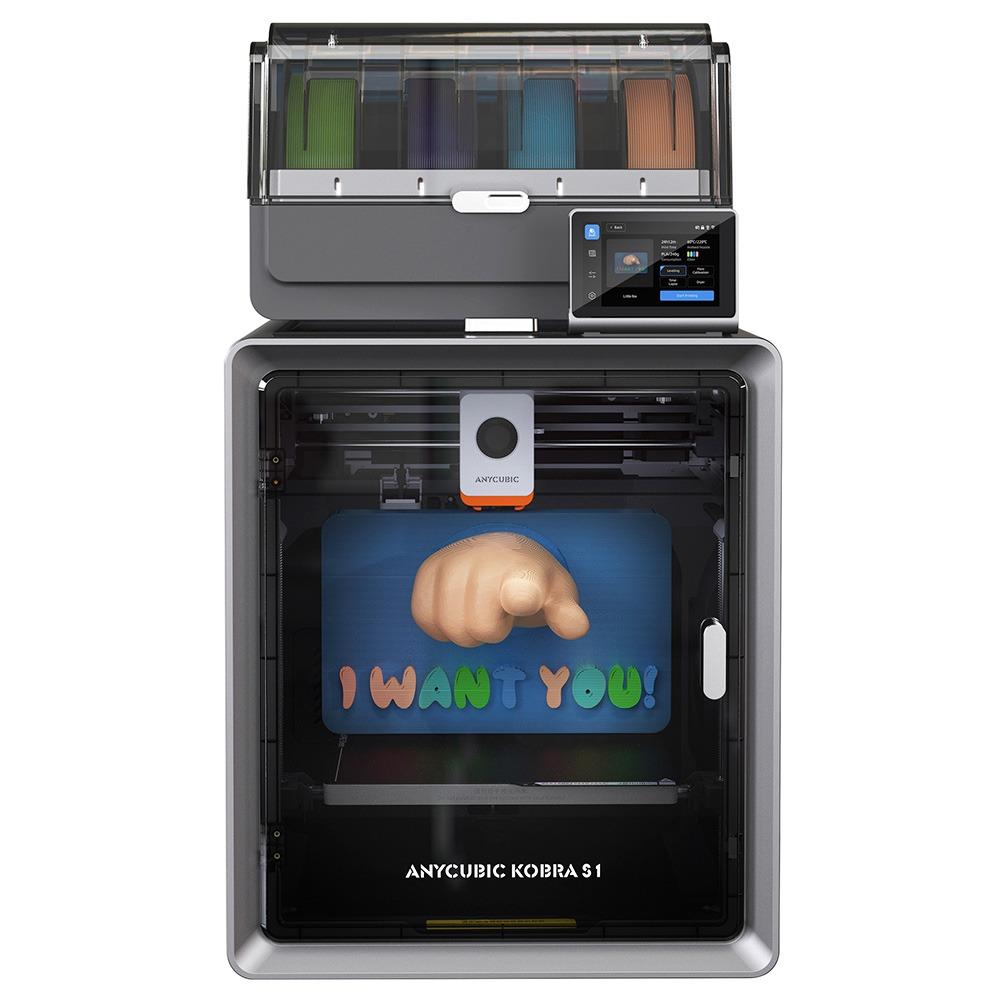
Anycubic Kobra S1 Combo: a 3D printer with an enclosed chamber and multicolor printing
The 3D printer with rich accessories straight in the box, Anycubic Kobra S1 Combo, offers a very similar design compared to the popular Kobra 3 Combo model. However, it has an enclosed construction with a printing chamber.
The dimensions of this model are 400 x 410 x 490 mm, and the printer itself weighs 15 kilograms. The Anycubic Ace Pro color management unit then measures approx. 365,94 x 282,84 x 234,5 mm.
4,3″ capacitive touchscreen LCD display and low noise during use
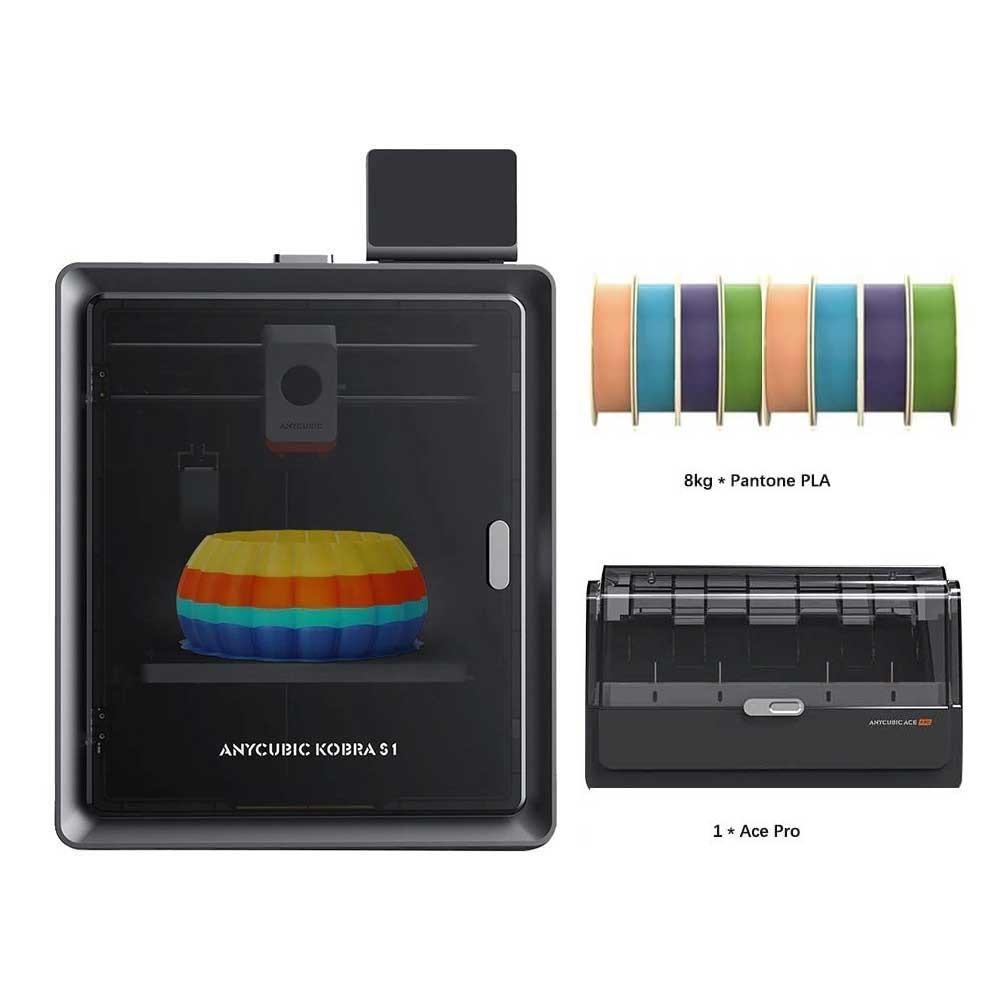
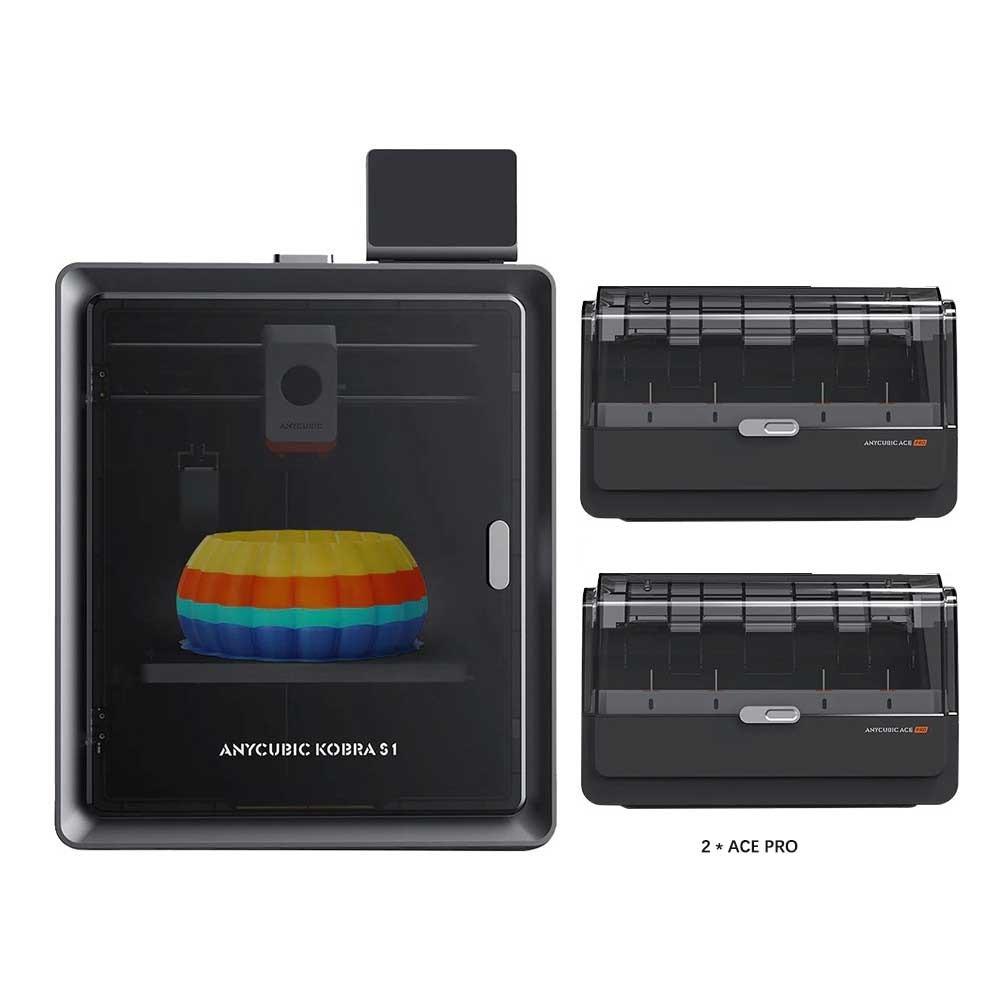
The enclosed print chamber supports a maximum build volume of 250 x 250 x 250 mm for the final product. The printer supports various types of filaments, including PLA, PETG, TPU, ABS and also ASA materials. The printer supports simultaneous printing with up to 8 different filaments when you buy the secondary Ace Pro unit; with one unit, it supports 4 filaments.
The maximum 3D printing speed with compatible filament is up to 600 mm/s in this case. However, the recommended speed is half that, with the seller stating 300 mm/s. The maximum acceleration of the printing module is then 20 000 mm/s.
The nozzle of this 3D printer has a diameter of 0,4 mm. However, support is available for various upgrades in sizes of 0,2 mm, 0,6 mm, or 0,8 mm. The choice is yours, depending on the needs of the printed product. The nozzle temperature reaches its maximum at 320 degrees Celsius. The heated bed then reaches 120 degrees Celsius.
Ad
Control of individual functions, as well as data management, is handled by the 4,3″ capacitive touchscreen LCD display. You’ll also appreciate the low noise during use, at just 46 decibels (in standard mode) or just 44 decibels (in quiet mode).
Remote printing and an advanced slicer
This is a very quiet 3D printer, achieved by using quality components and especially the motherboard. The manufacturer states a noise level of only 44 dB, which is very solid. The printer also includes Wi‑Fi connectivity and printing via a mobile app.
For preparing 3D print models, of course there’s a basic Anycubic Slicer available that supports importing STL models, basic handling such as transforming, as well as coloring or remote printing.. If you want more model-prep options, there’s a more advanced Anycubic Slicer Next, where you can set things like a multi-color flat surface.
The retail bundle is really extensive. It includes the 3D printer itself Anycubic Kobra S1 Combo, the Anycubic ACE Pro module, four filament tubes, filament samples, power supply for the mains, a set of screws, cleaning accessories for the nozzle, silicone nozzle accessories, a cable organizer, as well as a brief user manual and the first device setup—traditionally, in English.






Discussion (0)