


If you’re a regular AliExpress customer, you’ve probably already noticed those yellow coin icons that you can collect and then use for discounts or gifts. In this article, we’ll show you exactly how AliExpress Coins work, how to get them, how to use them, and what tricks you can use to get the most out of them.
Great AliExpress tips and tricks on the FB page too
What are AliExpress coins?
AliExpress coins are a digital currency that you can collect directly in the AliExpress mobile app. Coins can’t be withdrawn like cash, but they can be used as a discount credit when purchasing selected products. They’re mainly used within the so-called “Coins & Coupons” section. You can find this section right on the main page in the AliExpress app—you’ll get there through this link.
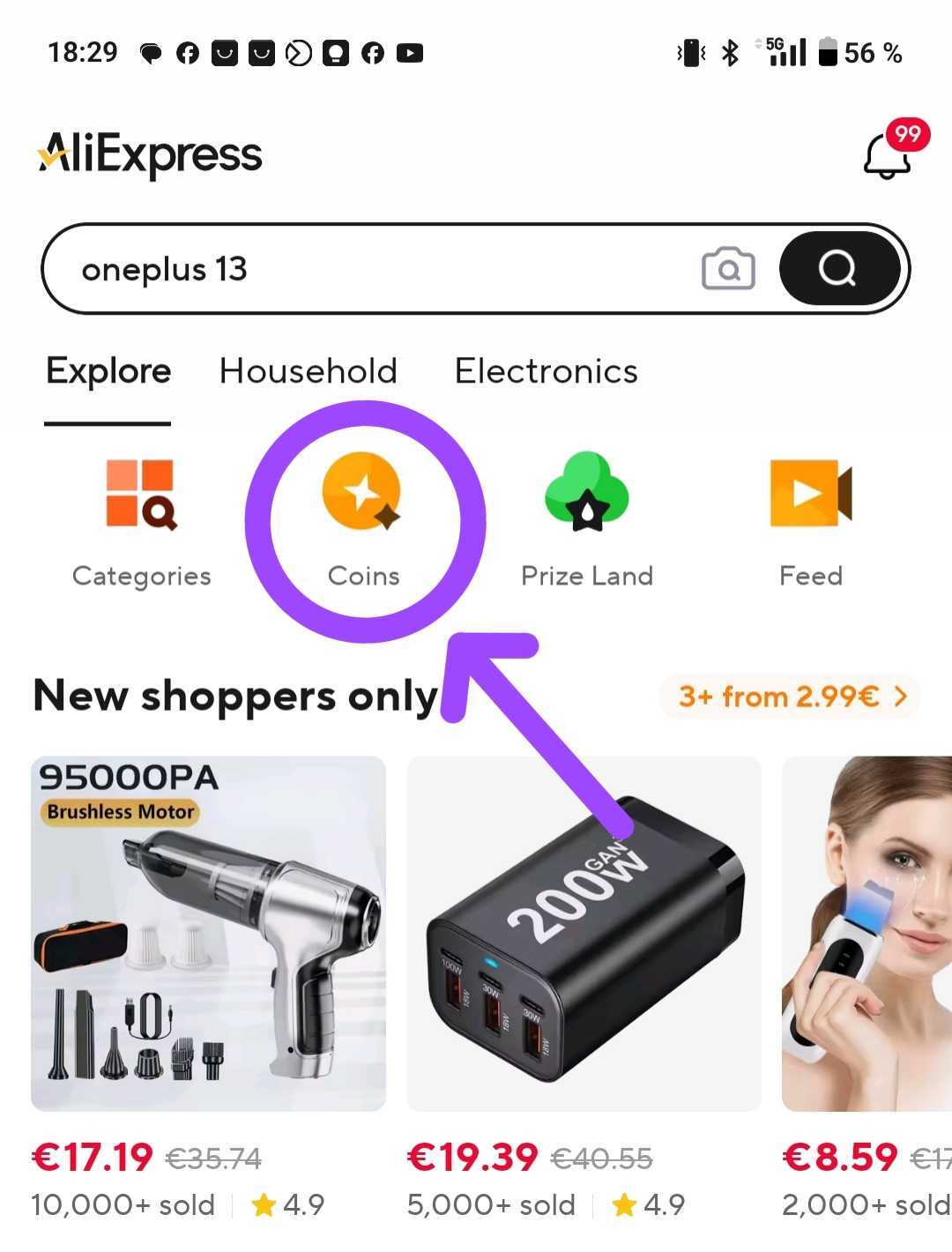
Open the AliExpress Coins page
All links in the article are best opened on mobile via the AliExpress app
The coins you earn can significantly lower the price of products, or you can even exchange them for small gifts. If you use them strategically, you can save literally dozens of euros per year.
What is the value of the coins?
100 AliExpress coins = 1 USD. This value is fixed and doesn’t change. That means that if you have, for example, 500 coins, you can use them as a discount of 5 USD on supported products.
However, coins can’t be used on every product—only on the ones that accept them. Always check whether a specific product allows you to apply coins as a discount.
How to use coins: In short
Using coins is very easy, but you need to be in the “Coins“ section. Here’s how:
- Open the AliExpress app and tap the “Coins” icon on the home screen.
- You’ll see the products where you can apply coins.
- Choose a product and at checkout the discount will be automatically calculated in the form of the available coins.
- Combine coins with discount coupons and save even more
Where can I check my coins?
If you want to see how many coins you have, go to the “My Coins” section in your profile – it’s available on PC, but also in the AliExpress mobile app. Besides your current balance, you’ll also find the history — coins you earned, spent, or that have expired.
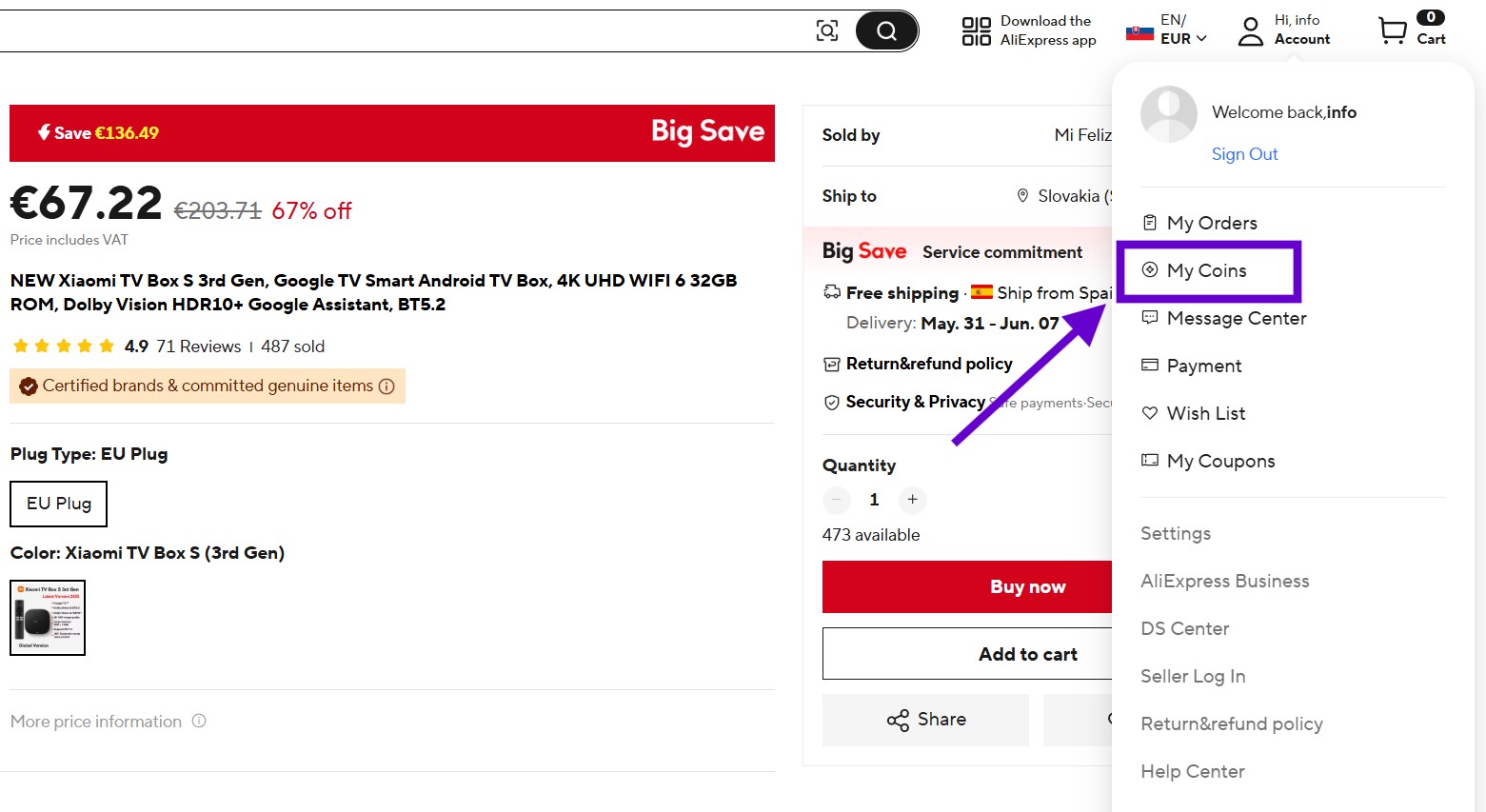
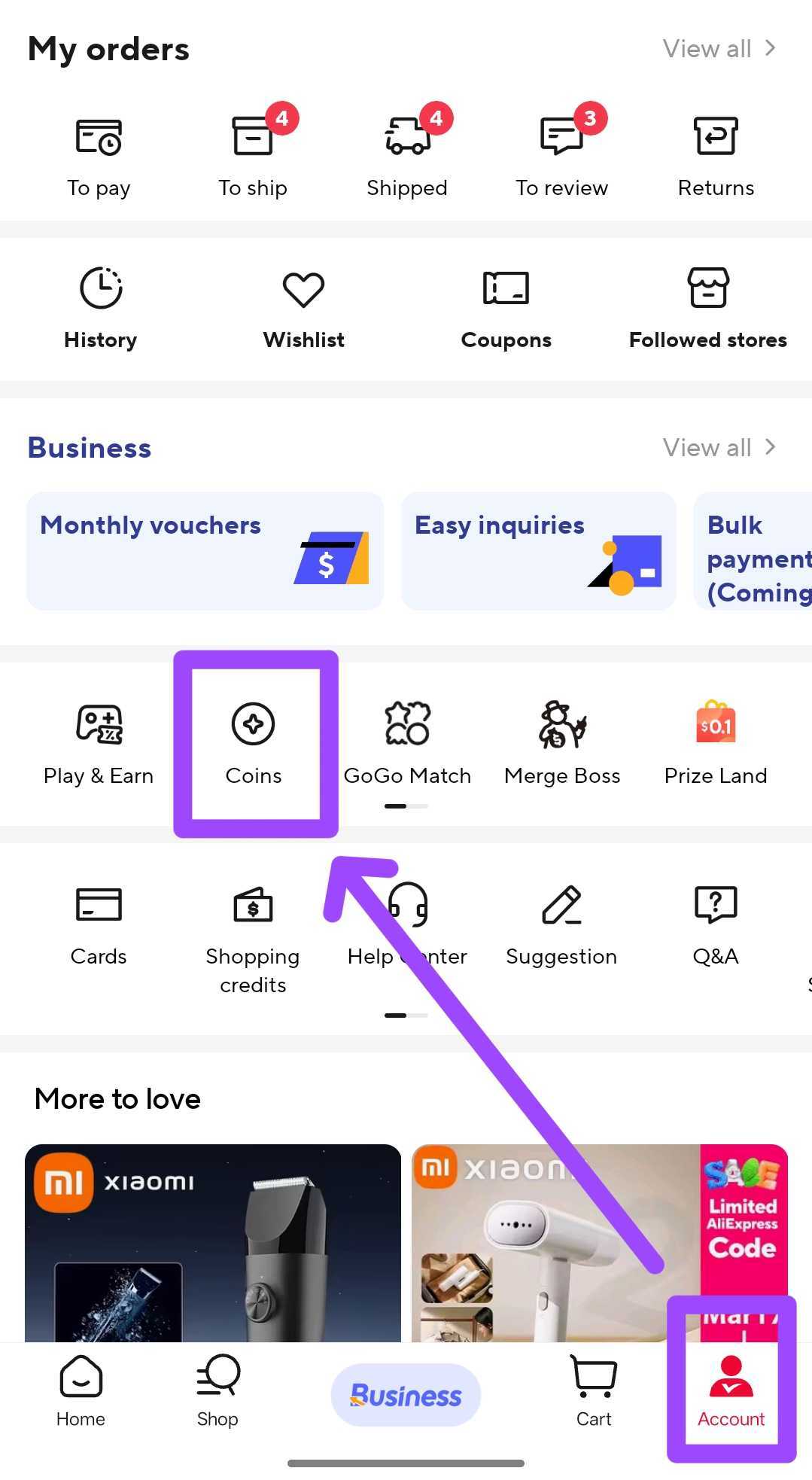
Records are available for the last 6 months, so if you actively collect, it’s worth checking this section regularly.
How to get the maximum discount from coins?
- Check the Coins section in the app every day so you don’t miss exclusive coin deals
- Combine coins with discount coupons — that way you can get a double discount
- Shop in the Coin Channel section — all products in this section support a discount with coins
- Coins expire over time, so don’t leave it too long
The key is to search for products in the Coins section — we found, for example, the popular Xiaomi Zdeer laser device for treating colds and allergies there. Through this section, the coins gave us an extra discount of up to 9%, which we wouldn’t have gotten otherwise.


And even better, this discount can be combined with discount coupons we have available on our site in the regularly updated article. Thanks to the combination of coins and the coupon, for a €68 product we got a discount of over €10 (almost 15%), so after the discount it came down to a beautiful €58. In this case, the coins activated a much larger part of the discount than the coupon alone.
You can also search manually using the standard search bar located in the top-right corner of the main screen in the Coins section. Alternatively, you can use the “Discount finder” tool, i.e., the Discount Finder. See the screenshot below:


In this section, AliExpress automatically recommends products for which you can activate a coin-based discount, based on the products you previously viewed on Ali — i.e., based on your browsing history.
They even suggested Xiaomi smartphones for which normally no discounts are available, or AliExpress blocks coupon discounts for smartphones. The discounts aren’t massive (1% for smartphones), but as they say, better than nothing.
Coin super discounts section with up to 60% off
Another great trick you need to know about is the so-called “Coin super discounts” sub-section within the whole Coins section. 😄 You can get there by clicking a product under the Discount finder button, just like in the screenshot below.
Open the Coin super discounts section


Here you’ll find products with huge discounts — up to 60%! For example, we found a quality Baseus 22.5W 10 000 mAh power bank that had coins “drop” the price from 21.69 € to a fantastic €14 (we also used a €0.90 Store Coupon).
You’ll mostly find cheaper items like trackers, stickers, or home accessories there, but you can also discover branded products, like the mentioned power bank.
Choose the best deals with coins
To make your purchase even easier, we picked a few products that we think are the biggest bargains when shopping with coins—and you can get them at remarkably low prices when combined with discount coupons.
| Photo | Product | Coin discount | Discount coupon | Full price | Price after discounts |
|---|---|---|---|---|---|
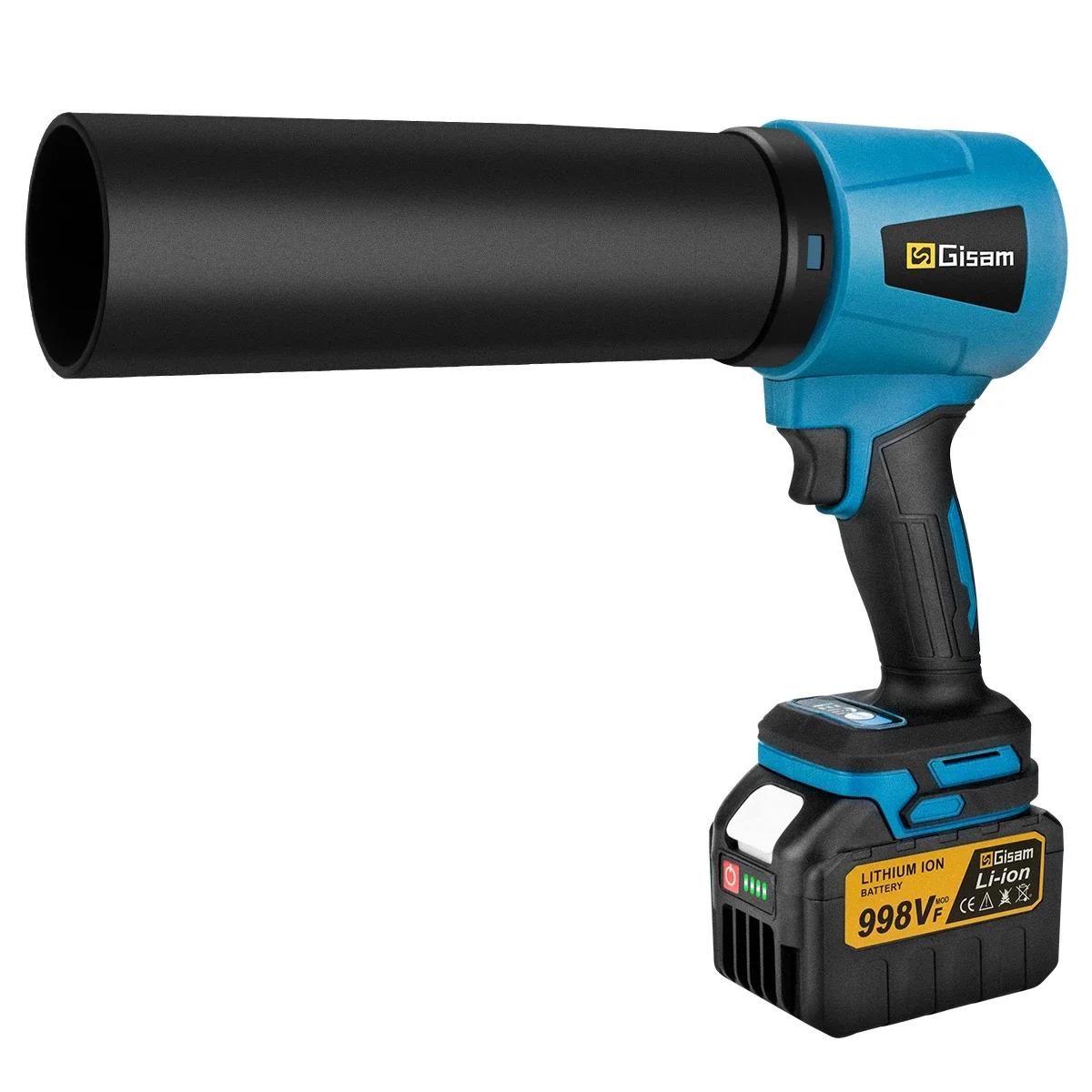 | Gisam 200m/s turbo cordless blower with attachment and battery | 18 % | IFPW6VR | 67.99 € | 56.85 € |
 | Gisam 200m/s turbo cordless blower | 13 % | IFPZZCN | 32.52 € | 26.52 € |
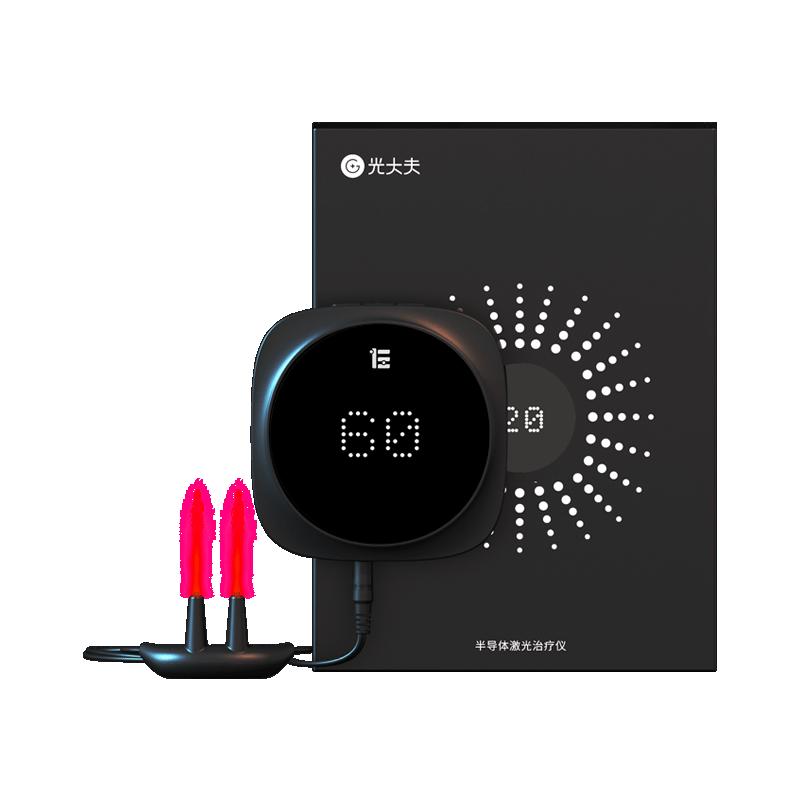 | Xiaomi ZDEER device for treating a cold | 9 % | IFPW6VR | 68.77 € | 58.36 € |
 | Xiaomi Mijia lint remover | 37 % | without coupon | 13.69 € | 8.21 € |
 | Xiaomi Mijia T100 electric toothbrush | 40 % | without coupon | 16.26 € | 7.75 € |
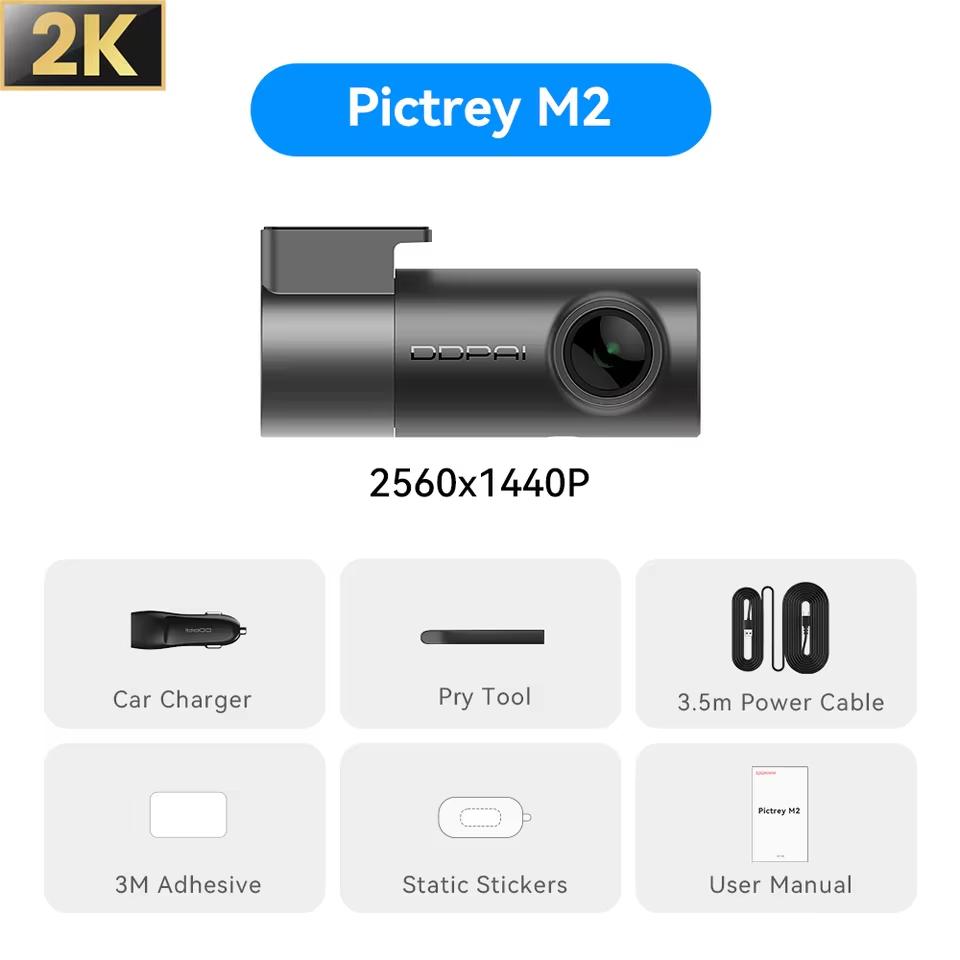 | DDPAI Dash Cam Mini Pro | 14 % | IFPZZCN | 35.18 € | 28.49 € |
 | Xiaomi Mijia electric wine opener | 46 % | IFPZZCN | 24.48 € | 15.58 € |
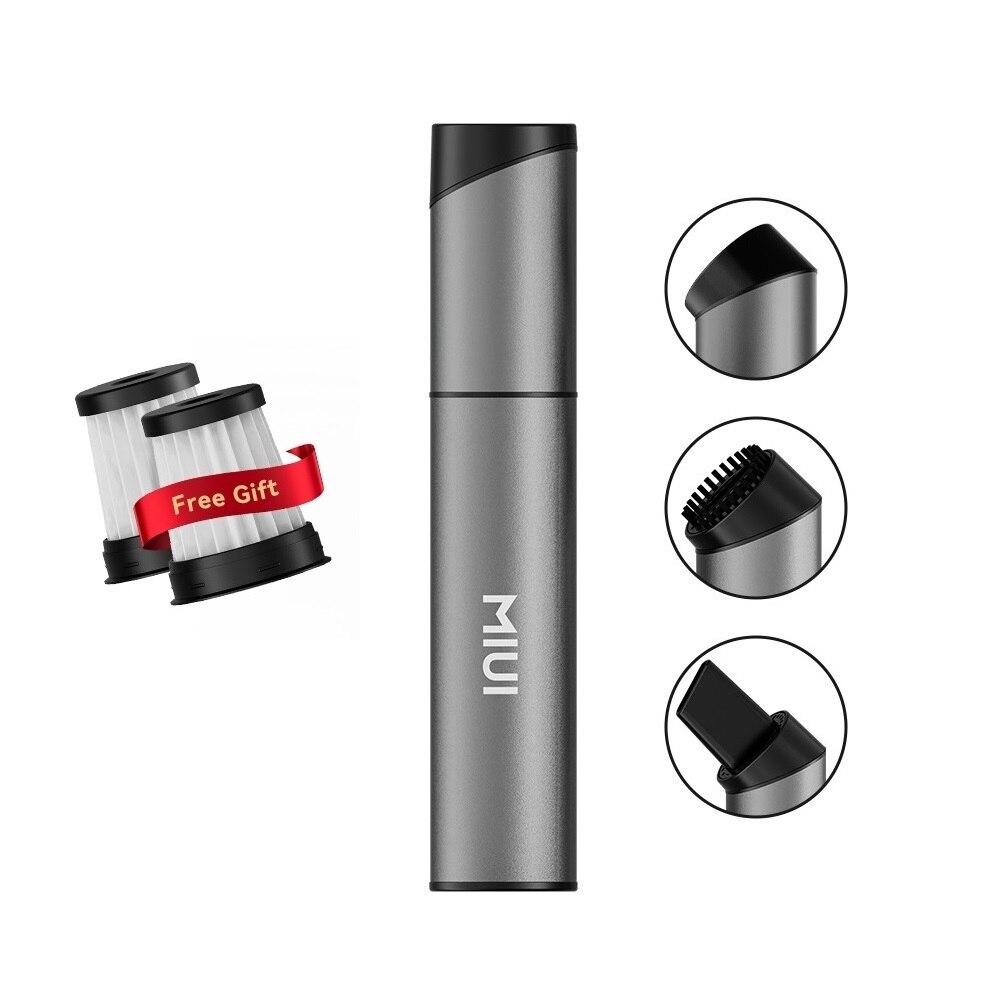 | Xiaomi MIUI mini handheld vacuum cleaner | 27 % | without coupon | 18.56 € | 13.54 € |
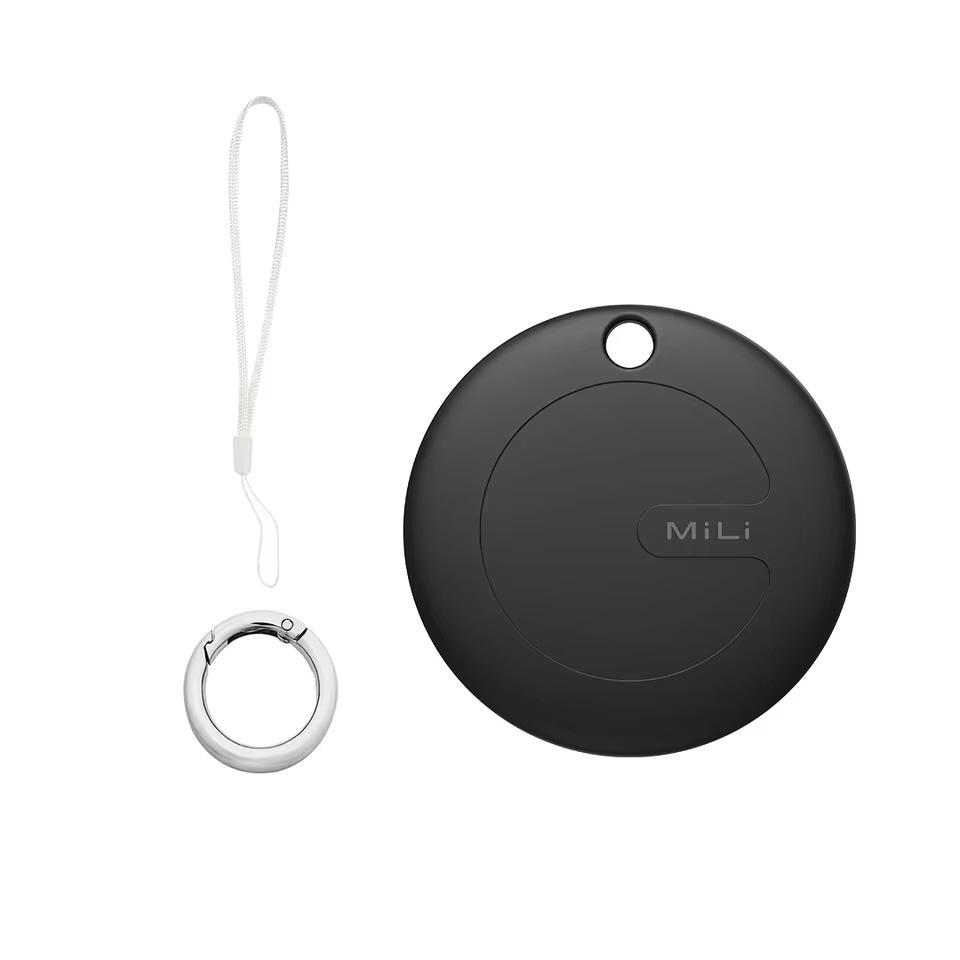 | MiLi MiTag Go tracker for Android | 40 % | without coupon | 15.41 € | 7.71 € |
Just remember—you always need to have enough coins. If you happen to have a new account on AliExpress, you probably won’t have any coins yet. Below you’ll find ways to get them.
Ways to get coins
You don’t only earn coins through purchases, but also via various everyday activities:
1. Daily check-ins
The easiest way—just open the app every day and click the “Check-in” button. Each day you’ll get 1–7 coins, and the longer you check in consecutively, the more you earn.
2. Playing games
AliExpress offers simple games like, for example, Merge Boss, Go Go Match, or Prize Land. Fun and rewards in one—you earn coins for playing, and sometimes extra coupons too.
3. Completing tasks
In the Coins section → “Earn More Coins”, you’ll find different easy tasks—browsing products, placing an order, leaving a rating, tracking a shipment, and more. Each task is worth 1–6 coins. Together, you can earn up to 20 coins per day.
4. Special promo events
During various promotions and sales, AliExpress often gives coins away for free. Keep an eye on notifications and offers in the app—some promo events can bring you hundreds of coins at once.
Have you ever used AliExpress coins as a discount for your purchase?
Follow the China Planet website, sign up for our monthly newsletter, and make sure you also follow our Facebook page, the group All from EU warehouses, and join our Telegram—where we add the best deals and coupons from China day after day.
Don’t miss the best coupons 📩
Subscribe and we’ll email you new coupons before they expire. We only send it once a month — no spam.


Discussion (0)