


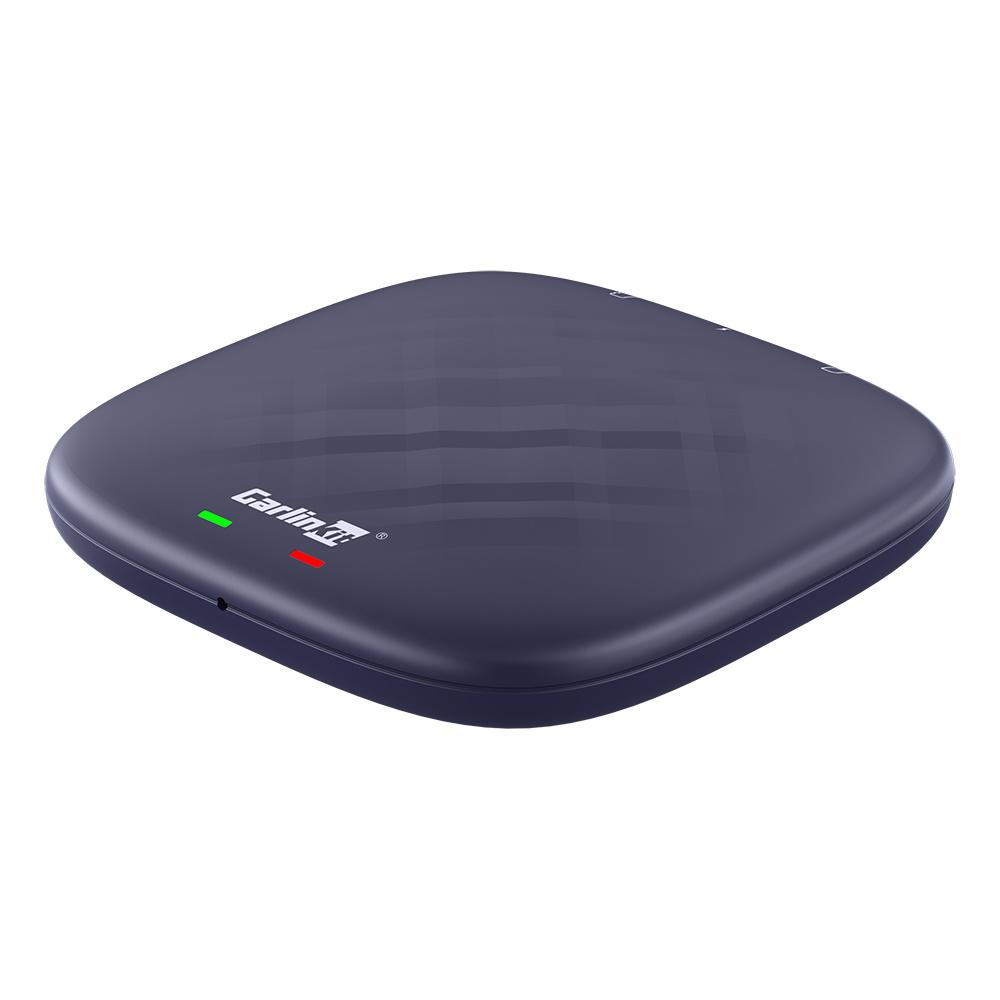
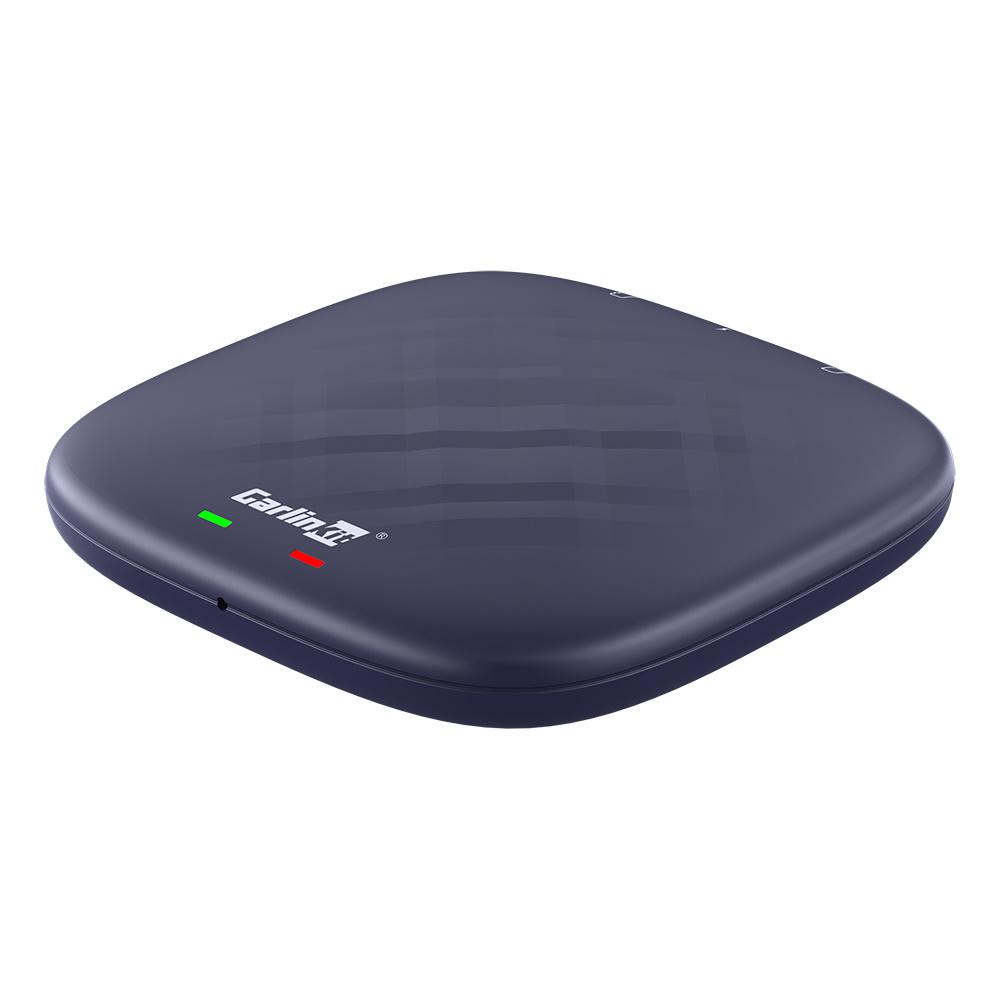
If your car’s media system supports Android Auto or Apple CarPlay, but only via a wired connection, then this Android 13 box Carlinkit for your car should definitely catch your attention. Besides wireless connection, it expands the system with apps your car didn’t previously have, such as YouTube, TikTok, Netflix, split-screen, or the Google Play itself.
You can find reviews of gadgets like this on our FB
Coupon offer—just a few more hours
The box is currently available in the seller’s official store on the internet marketplace AliExpress in a Chinese warehouse, with configurations of 4 + 64 GB and 8 + 128 GB memory. The item is covered by 10 up to 15 days of free delivery. You also don’t have to worry about any extra additional fees.
Editorial note: Carlinkit doesn’t provide the Android Auto / Apple Carplay system itself. It provides wireless connectivity and expands the car’s system on top of the already built-in Android Auto / Carplay from the manufacturer.
Carlinkit Android 13 box

TIP15-day delivery via Aliexpress Standard Shipping
For this product, Aliexpress Standard Shipping is available with guaranteed delivery within 15 days. It’s the most reliable delivery method and, in most cases, it’s handled by a courier company. The 15-day delivery is something we actually tested.
When you order from a Chinese warehouse, AliExpress adds a customs fee to your cart of about €3,70 per order. When you receive the package, you don’t pay anything extra.
TIP15-day delivery via Aliexpress Standard Shipping
For this product, Aliexpress Standard Shipping is available with guaranteed delivery within 15 days. It’s the most reliable delivery method and, in most cases, it’s handled by a courier company. The 15-day delivery is something we actually tested.
When you order from a Chinese warehouse, AliExpress adds a customs fee to your cart of about €3,70 per order. When you receive the package, you don’t pay anything extra.
Our fans also recommend this Carlinkit Android box!
Since you won’t find any genuine feedback on this adapter or Android box, you’ll definitely be interested in the review from our fan Ján, which he posted on our FB page. You’ll often find reviews of interesting products in the comments here, so make sure to like us!
“I’ve had this for almost a year now—it’s absolutely awesome. I use it in my Ford with the original Sony car radio. Everything works. You just plug it into the USB port and you’re good to go—highly recommended. But I bought the higher version with more memory and I got it for cheaper. Still, this one is great too.”, he adds. “But on it, I also have various TAXI apps for drivers—the reason I previously had to keep my phone turned on all the time. It works for playing movies too, on the streaming sites, and basically everything like on a phone, but in landscape mode. Sharp image, fast reactions. For example, it even works with forex.”


In this video, you’ll learn what it can do
Android Auto and Apple CarPlay—at a new level
This handy little box can ensure flawless wireless transmission for the mentioned platforms from your mobile phone. The latest model—an upgrade of the popular Carlinkit 5.0—comes with even higher-level features and offers an integrated SIM slot for 4G data transmission, WiFi sharing, or a full-fledged Android 13 with app support.


The 79.8 × 79.8 × 14.7 mm module, weighing 64 grams, only needs to be connected via a USB-C cable to your media system exactly like you’d plug in a smartphone when using Android Auto or Apple CarPlay.
After that, just find the device in your smartphone’s Bluetooth settings and connect it. These functions are also provided by a cheaper model without a SIM slot and a separate system, which we recently tested directly in the editorial office as well.
SIM slot for 4G connection and car hotspot
However, the upgraded version is powered by an 8-core Qualcomm QCM6125 processor and comes with the Android 13 system, so it can be used as a media device—and even on its own—if you connect it, for example, to a hotspot from your phone, which still doesn’t make connectivity much easier compared to the cheaper model.
The new Carlinkit therefore offers its own SIM and TF slot with 4G connectivity, so you can insert a separate SIM card with a data plan that the module will use independently.
Then, in addition to wireless Android Auto or Apple CarPlay, you can also use Carlinkit as a hotspot for other devices.


The Android 13 system also means support for popular apps from the Google Play store, and without needing to connect your phone you can stream videos on YouTube or Netflix on your media system, or use multiple apps at once thanks to the split-screen function.
Of course, it also has Bluetooth 5.0, as well as built-in GPS and navigation directly in the system.
Follow the China Planet website, sign up for our monthly newsletter, and make sure you also follow our Facebook page, the group All from EU warehouses, and join our Telegram—where we add the best deals and coupons from China day after day.
Don’t miss the best coupons 📩
Subscribe and we’ll email you new coupons before they expire. We only send it once a month — no spam.


· 8 August 2026
Pretty poor
Similar to the previous version. On some cars it doesn't work at all, the communication just drops. On some it works, but during calls you can't hear anything and similar..
Unfortunately today I wanted to order it and the coupon doesn't work
The coupons were valid only until 8 May at 9:00.
Good day,
Could you please explain something to me, I don't quite understand it. If I connect this box to the car, can I use Android apps like Waze without needing to have my phone connected? Is this box basically a "smartphone" without a screen?
Thank you
Hello, it is a device for wireless Android Auto and it has some extra apps that are not in the standard A. Auto/Carplay that comes factory-installed in the car. But it still applies that you must have factory wired A. Auto/Carplay in the car and a phone that supports it.
If it says contact the dealer/seller, then I have CarPlay, it's just not activated? So will this work for me?
You need to have your CarPlay working in the car, otherwise it won't work.
I had this box, the 128BG version. The system froze, not even the seller could help. I wouldn't recommend it.
Have you tried a firmware update?