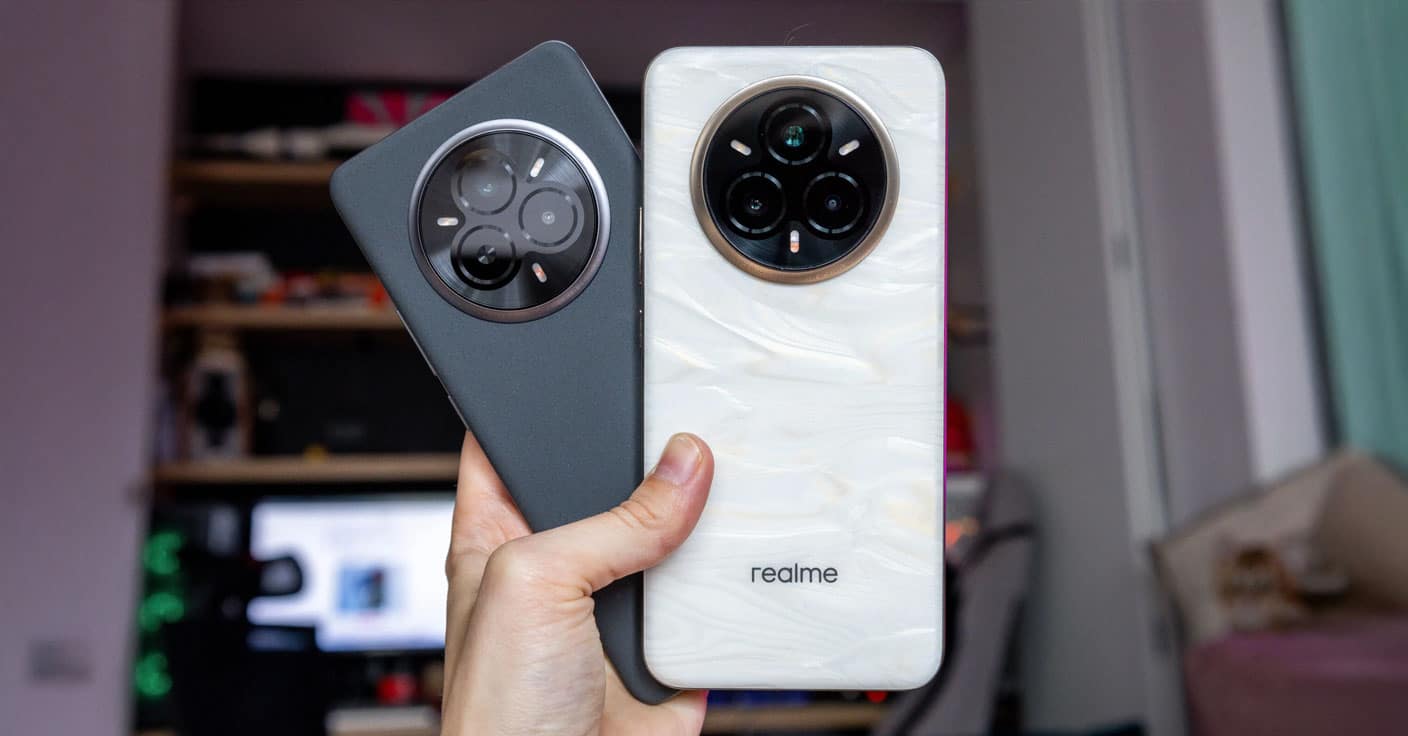
Two mid-range smartphones from Chinese brands, Realme and Redmi, go head to head in a direct comparison this time. Realme 14 Pro+ and Redmi Note 14 Pro+ have the same Snapdragon 7s Gen 3 processor, but they differ in details that may decide which one you’ll love more. In this article, we’ll break down the most important differences in depth, including the cameras, performance, display, sound, and battery life.
Display, battery life, and charging
Realme 14 Pro+ offers a bigger and brighter OLED display with a 6.83″ diagonal, higher resolution of 1272 x 2800 px, and a maximum brightness of up to 1500 nits. You’ll also appreciate a full-fledged Always-on display. On the other hand, Redmi has a smaller 6.67″ AMOLED with a lower resolution, but a higher peak brightness of up to 3000 nits. The Always-on feature here, however, is significantly limited to 10 seconds.
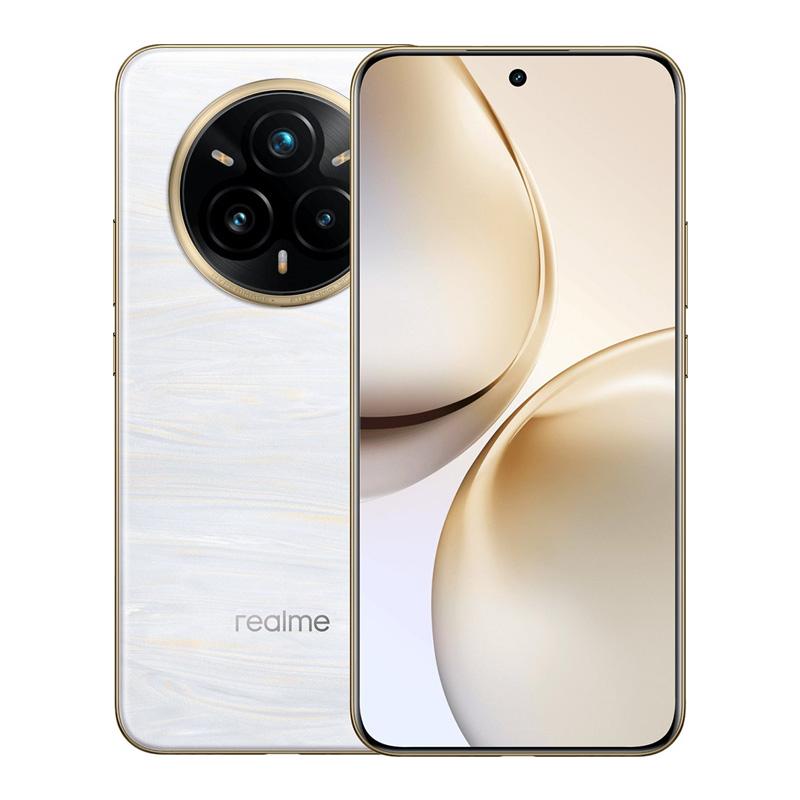
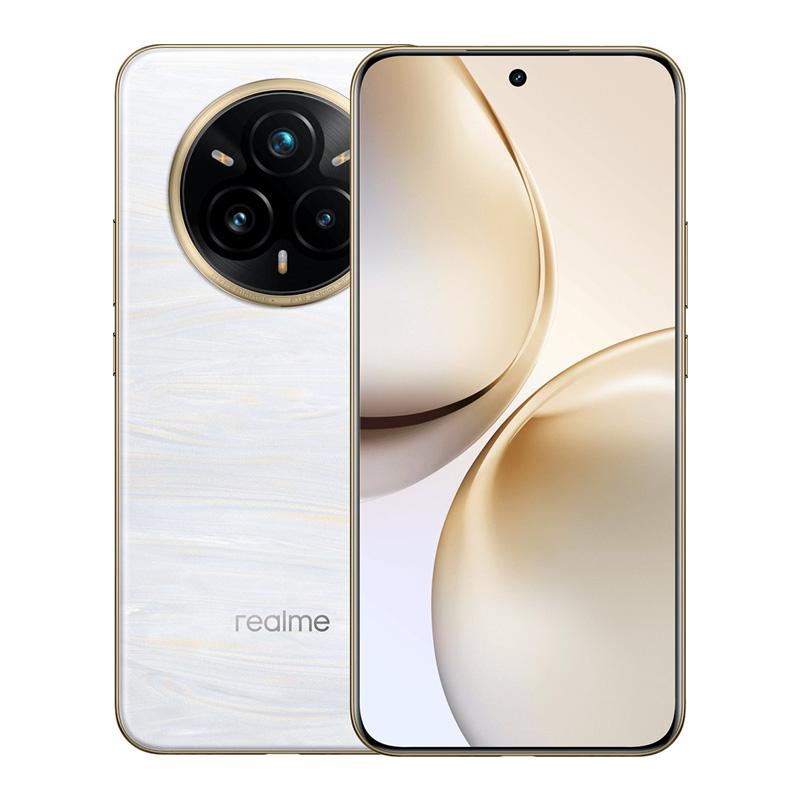
Realme 14 Pro+
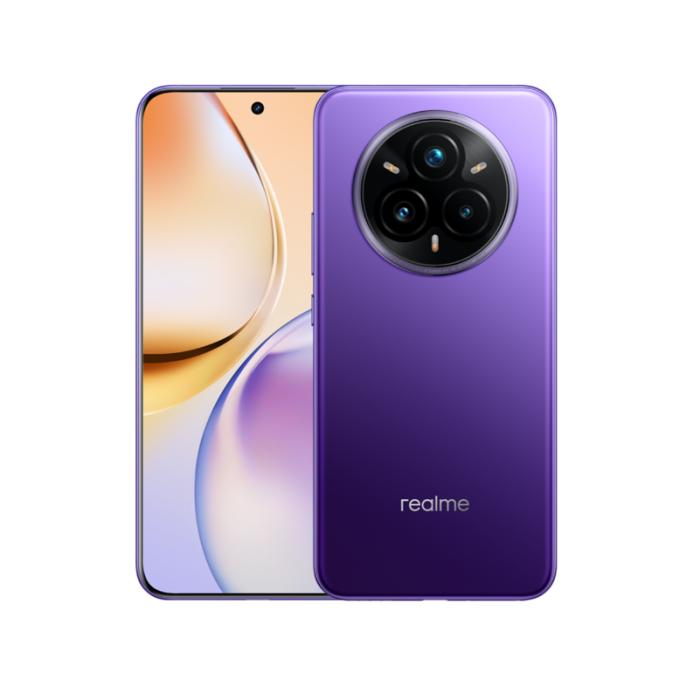
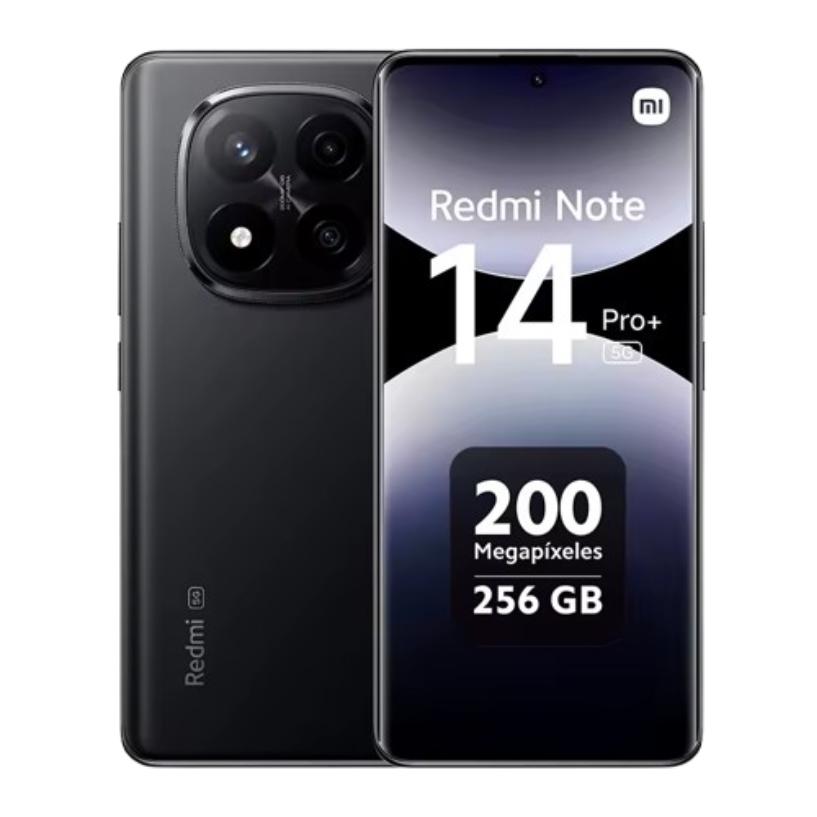
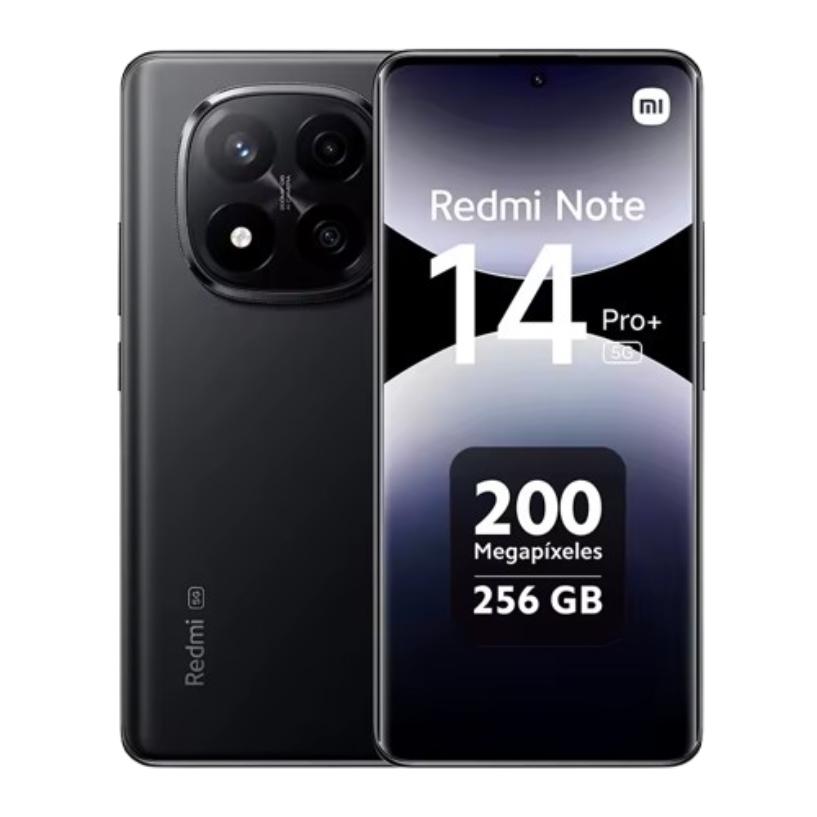
Redmi Note 14 Pro+
Realme also leads in battery life—it has a 6000 mAh capacity, which combined with an optimized system delivers up to 14 hours of active use. Redmi Note 14 Pro+ has a smaller 5110 mAh battery, but it makes up for it with extremely fast 120 W charging, which charges it in just 32 minutes. Realme has 80 W charging and takes 54 minutes.
Performance, memory, and gaming tests
Even though both models use the same Snapdragon 7s Gen 3 chipset, Realme offers faster UFS 3.1 storage, while Redmi sticks with slower UFS 2.2. This also shows in higher FPS during gaming—for example, PUBG runs on Realme at an average of 71.6 FPS, while Redmi only reaches 59.7 FPS.
Realme 14 Pro+
In benchmarks, Realme also has a slight edge: AnTuTu score of 765537 versus Redmi’s 750292. In addition, it has a more reliable physical proximity sensor, which is an advantage, for example, when making calls—where Redmi sometimes uses a not always precise virtual sensor.
Sound, durability, and connectivity
Redmi Note 14 Pro+ delivers louder sound with better bass and Dolby Atmos support. Realme’s stereo speaker output is weaker, which you’ll notice especially when watching videos without headphones.
Redmi Note 14 Pro+
On the flip side, Realme impresses with combined durability of IP68 and IP69 (higher water-jet resistance), which Redmi lacks. Both smartphones support eSIM.
Camera comparison: Realme wins across the board
Redmi does bring a main camera with 200 MP resolution, but Realme shows that numbers aren’t everything. Thanks to a dedicated 50 MP periscope telephoto lens with OIS, it offers significantly better zoom quality as well as sharper portrait shots. Meanwhile, Redmi has no telephoto lens at all and relies only on the main sensor plus software depth blur.
Realme also dominates night photography thanks to a special triple Magic Glow LED flash that intelligently adjusts the color temperature. The selfie camera is 32 MP compared to 20 MP on Redmi and delivers better detail. Plus, Realme—being the only one—also supports 4K video on the front camera, while Redmi stays at FullHD.
Photo comparison: Realme has the upper hand in this category
Even if it seems like Redmi’s 200 MP main sensor would automatically mean victory, the reality is a bit different. In practical tests, the Realme 14 Pro+ clearly showed better overall complexity, more flexibility, and resulting photo quality across various situations.
In portrait mode, Realme automatically activates its 50 MP periscope telephoto lens with 3× optical zoom. The result is excellent detail rendering and naturally blurred background without any AI intervention. Redmi, on the other hand, uses only the main sensor with software blur, leading to less sharp edges and a less realistic bokeh effect.
When comparing the main camera in normal lighting conditions, both models performed very similarly in terms of detail sharpness. The difference comes in the colors, though – Realme delivers more accurate color reproduction, especially of the sky, which looks naturally blue. On Redmi, it has a slight purple tint, which may bother some people.
Ultra-wide shots, zoom and macro: Realme comes out on top
The 8 MP ultra-wide lens is the same on both devices, but Realme can produce a brighter and warmer shot. Redmi delivers results that are darker and less pleasant to look at. However, due to the low resolution, detail is quite limited on both models.
A noticeable difference appears when zooming. Realme uses its telephoto lens even for 6× in-sensor zoom, resulting in sharper and more readable details even at higher magnification. Redmi has to rely on the main sensor and 4× software zoom, which falls behind in quality. The maximum digital zoom is 120× on Realme, compared with 30× on Redmi.
There is also an interesting difference when shooting macro and moving subjects. Redmi does have a dedicated 2 MP macro lens, but its quality is very poor. Realme doesn’t have a macro sensor, but thanks to its powerful zoom it can take much better close-up detail shots. When capturing moving objects (for example, a bird feeder swaying in the wind), Realme performed noticeably better.
Night shots, flash and selfie camera
You’ll also notice a big difference when shooting at night. When using flash, Realme brings in a unique triple Magic Glow flash that adjusts the color temperature according to the scene. Skin tones look more natural, while Redmi renders skin overexposed and white. In night mode without flash, Realme managed to capture more detail — for example, text on a bottle was easier to read.
With the selfie cameras, Realme is again ahead thanks to the 32 MP sensor with autofocus. Shots are sharper and cover a wider frame. Redmi has a weaker 20 MP sensor without autofocus. The only small downside on Realme is occasional AI “guessing” of hair in low light — the algorithm sometimes adds fake hair strands onto the forehead in the dark.
Video comparison: Realme is more flexible
Both smartphones can record video in 4K at 30 frames per second, and stabilization works reliably on both. The difference comes in the options while recording. Realme lets you switch to the ultra-wide lens during recording (in FullHD 30 fps mode), while Redmi doesn’t offer this option — you have to stop recording when switching.
Realme’s front camera supports 4K video, which is rare in this price range. Redmi only offers FullHD, even though it does so at 60 fps. However, image quality in strong light is worse on Redmi, with frequent overexposure and loss of detail, while Realme keeps the exposure well balanced.
Camera comparison on video
The camera comparison starts at the 21st minute in this Russian video.
Specifications of both models in a clear table
Here’s a comparison of the key specs of the Realme 14 Pro+ and Redmi Note 14 Pro+:
Realme 14 Pro+
Redmi Note 14 Pro+
Display
6.83" OLED / 2800×1272 px / 120Hz
6.67" AMOLED / 2712×1220 px / 120Hz
Maximum brightness
1500 nits
3000 nits
Chipset
Snapdragon 7s Gen 3
Snapdragon 7s Gen 3
RAM and storage
8/128 GB to 12/512 GB / UFS 3.1
8/256 GB to 12/512 GB / UFS 2.2
Battery
6000 mAh / 80 W
5110 mAh / 120 W
Durability
IP68 + IP69
IP68
eSIM
Yes
Yes
Main camera
50 MP OIS
200 MP OIS
Telephoto lens
50 MP periscope 3x
no
Ultra-wide
8 MP
8 MP
Macro
no
2 MP
Selfie
32 MP
20 MP
Main video
4K 30fps
4K 30fps
Selfie video
4K 30fps
FullHD 60fps
Dimensions and weight
163.5×77.3×8.3 mm / 196 g
162.5×74.7×8.8 mm / 210 g
Which smartphone is the better choice for whom?
If you’re looking for the best camera phone under €300, the Realme 14 Pro+ is currently unmatched in this price segment. It offers a better camera setup, a larger battery, a physical zoom sensor and higher gaming performance.
On the other hand, if you prefer charging speed or care more about audio and display brightness, the Redmi Note 14 Pro+ won’t disappoint you. In both cases, you get a very solid smartphone that impresses with its price/performance ratio.
Where to buy?
You can find the Realme 14 Pro+ smartphone on AliExpress from a verified seller. It’s located directly in a European warehouse, which means very fast delivery in as little as a week and no extra fees! You can find the current coupon and more information about this smartphone in our other article.
China Planet shopping TIP: GShopper has now launched direct bank transfer payments, so you can save another 4.5 % off the product price! Compared to card / Google Pay payment, you can get this product much cheaper. We described the full bank transfer payment process in our article.
Are you shopping on AliExpress for the first time?See the guide!
Updated 9. 9. 2026 at 08:09
TIPExpress delivery from the French warehouse with no customs duties or VAT.
This product will be delivered to you express from a local Spanish warehouse. Shipping from Spain usually takes 7–10 days and is handled by courier. When it arrives, you don’t pay any extra fees—no customs duties and no VAT.
Are you shopping on Gshopper for the first time?See the guide!
Updated 9. 9. 2026 at 08:09
TIPWith Standard Shipping via GShopper, you pay no extra fees—everything is already included in the price!
We recommend choosing Standard Shipping from the GShopper seller—so you won’t have to pay anything extra. Customs fees and any VAT are handled by the seller for you. Shipping can be selected in the cart, after you enter your delivery address. Delivery with this option usually takes about 15 business days from shipment from the warehouse, but it may also take longer.
Are you shopping on AliExpress for the first time?See the guide!
Updated 9. 9. 2026 at 08:09
TIPExpress delivery from the French warehouse with no customs duties or VAT.
This product will be delivered to you express from a local Spanish warehouse. Shipping from Spain usually takes 7–10 days and is handled by courier. When it arrives, you don’t pay any extra fees—no customs duties and no VAT.
Our extra service with VIP support — we’ll handle the order on Gshopper for you and ship it straight to your address.
If you’re not experienced with shopping on Gshopper, your payment won’t go through, or the coupon just isn’t working, we offer our readers and customers a service where we place the order directly to your address. You send us the money by bank transfer, and we’ll order the product straight to you. That way, you don’t have to worry about failed payments or coupon issues, and you can be sure the whole order will go 100 % smoothly. Plus, you automatically get our VIP support — we handle any shipment issues for you and help with claims too. The fee for this service is €15 on top of the product price. You can contact us by email at info(@)chinaplanet.sk or on Messenger, where we’re active all the time.
You can find current coupons and more information about buying the Redmi Note 14 Pro+ in our article on Xiaomi Planet.
Are you shopping on AliExpress for the first time?See the guide!
Updated 21. 2. 2026 o 17:14
TIPExpress delivery from the French warehouse with no customs duties or VAT.
This product will be delivered to you express from a local Spanish warehouse. Shipping from Spain usually takes 7–10 days and is handled by courier. When it arrives, you don’t pay any extra fees—no customs duties and no VAT.
Is it your first time buying through Heureka?See the guide!
Updated 21. 2. 2026 o 17:14
TIPExpress delivery from the Slovak warehouse within 1 - 3 business days.
This product will be delivered to you express from a local Slovak warehouse. Delivery usually takes 1-3 business days, and it’s handled by a courier. The price is final.
Follow the China Planet website, subscribe to our monthly newsletter, and be sure to check out our Facebook page, the China Planet group, and join our Telegram, where we add the best offers and coupons from China every single day.









Discussion (0)