The biggest online marketplace in the world, AliExpress, as usual, celebrates its birthday in March. The biggest sales always kick off in November, but we’d dare say this March birthday sale competed with it pretty fiercely!
The Birthday Sale was really strong, and almost all products had record prices — you can check it yourself thanks to our unique feature for Slovakia and the Czech Republic – price history! AliExpress pleasantly surprised us with sales like these outside of November as well.
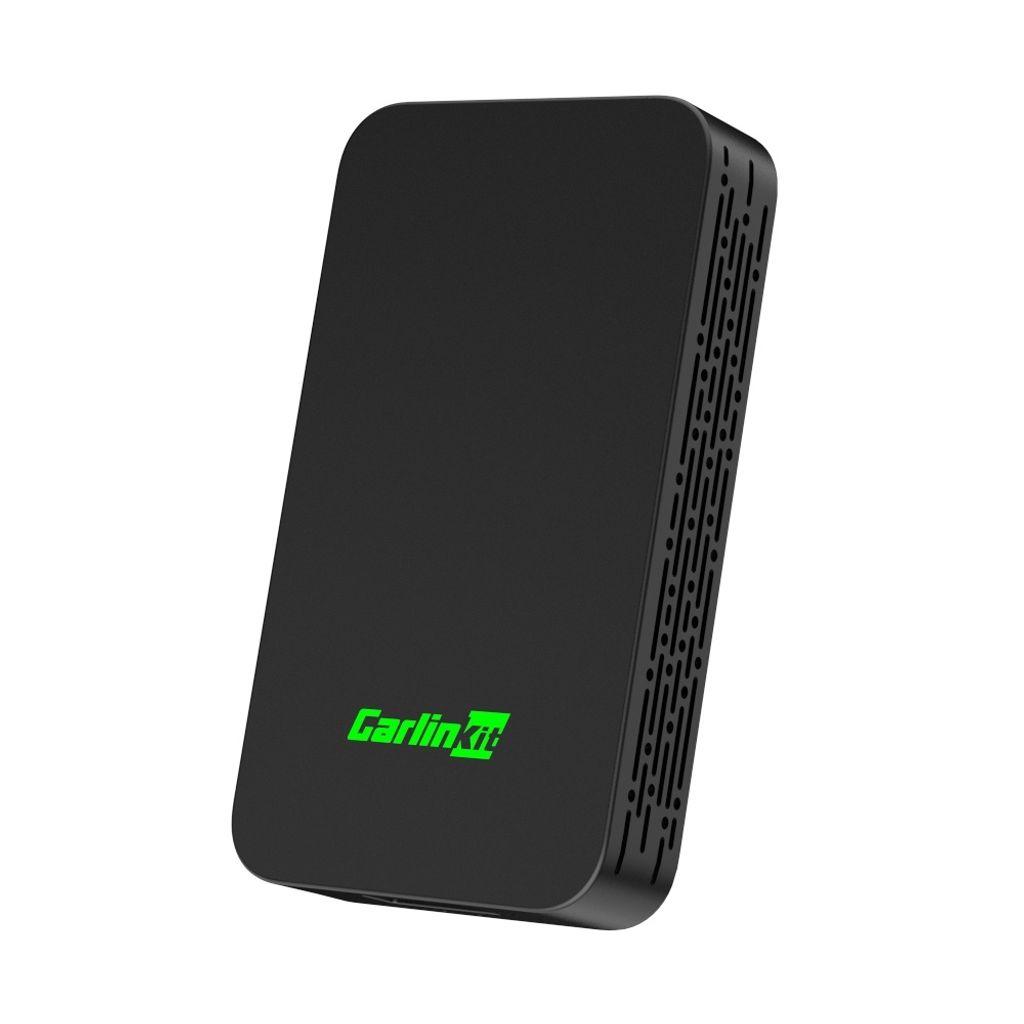
Carlinkit 5.0 efficiently modernizes connectivity in your car, because it enables wireless transmission for Android Auto and Apple Carplay. So even if your vehicle originally supports these systems only via a wired connection, this handy upgrade ensures smooth wireless communication with your phone.
It’s compatible with iPhone 6 and newer models with iOS 10 and higher, as well as with all Android smartphones with Android 11 and newer versions. Plug and Play Carlinkit 5.0 device — we couldn’t resist either, and we’ve gathered everything important for you in the article.
Are you shopping on AliExpress for the first time?See the guide!
Updated 15. 9. 2026 at 12:42
TIP15-day delivery via Aliexpress Standard Shipping
For this product, Aliexpress Standard Shipping is available with guaranteed delivery within 15 days. It’s the most reliable delivery method and, in most cases, it’s handled by a courier company. The 15-day delivery is something we actually tested.
When you order from a Chinese warehouse, AliExpress adds a customs fee to your cart of about €3,70 per order. When you receive the package, you don’t pay anything extra.
2. Gisam 520N.M – more than 70 orders!
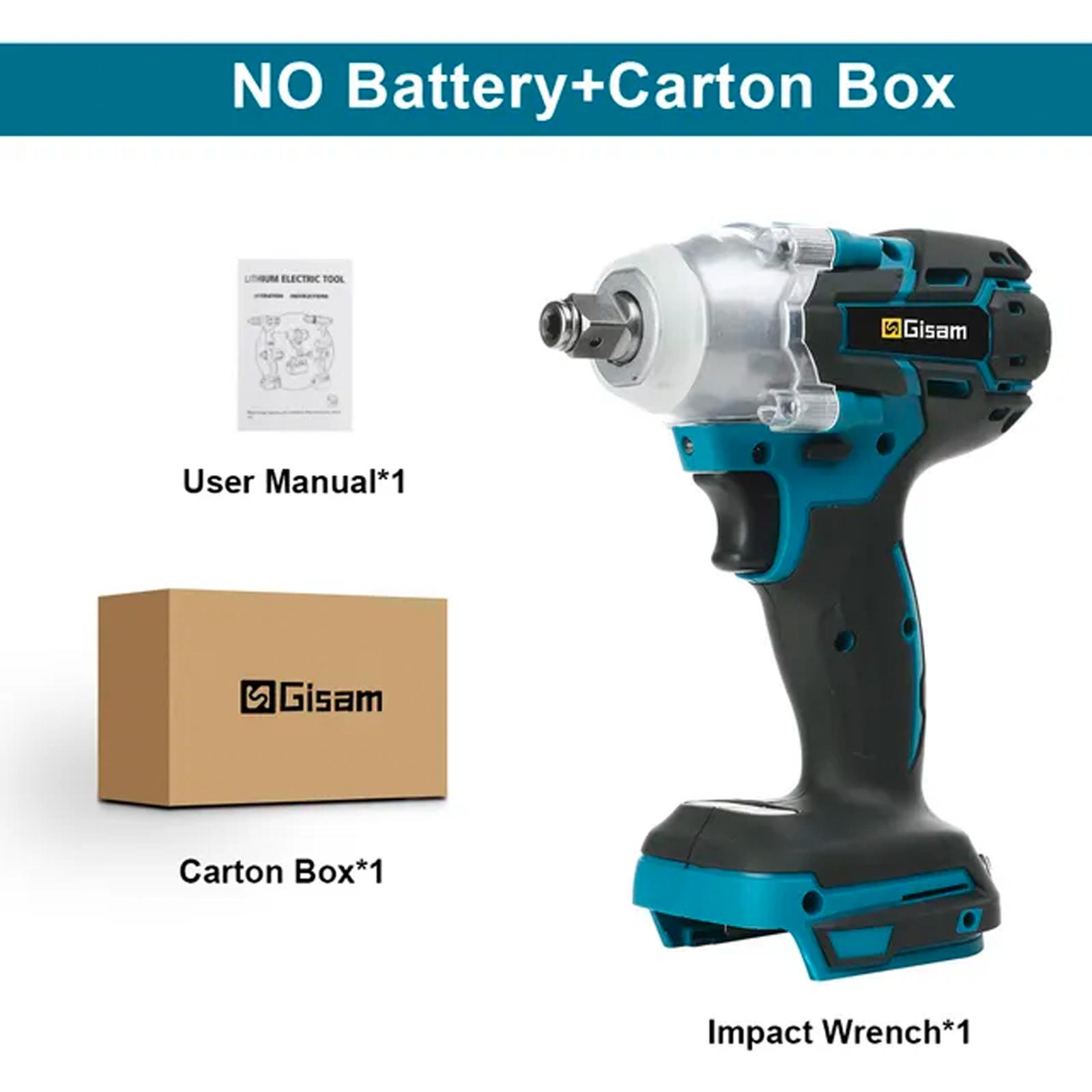
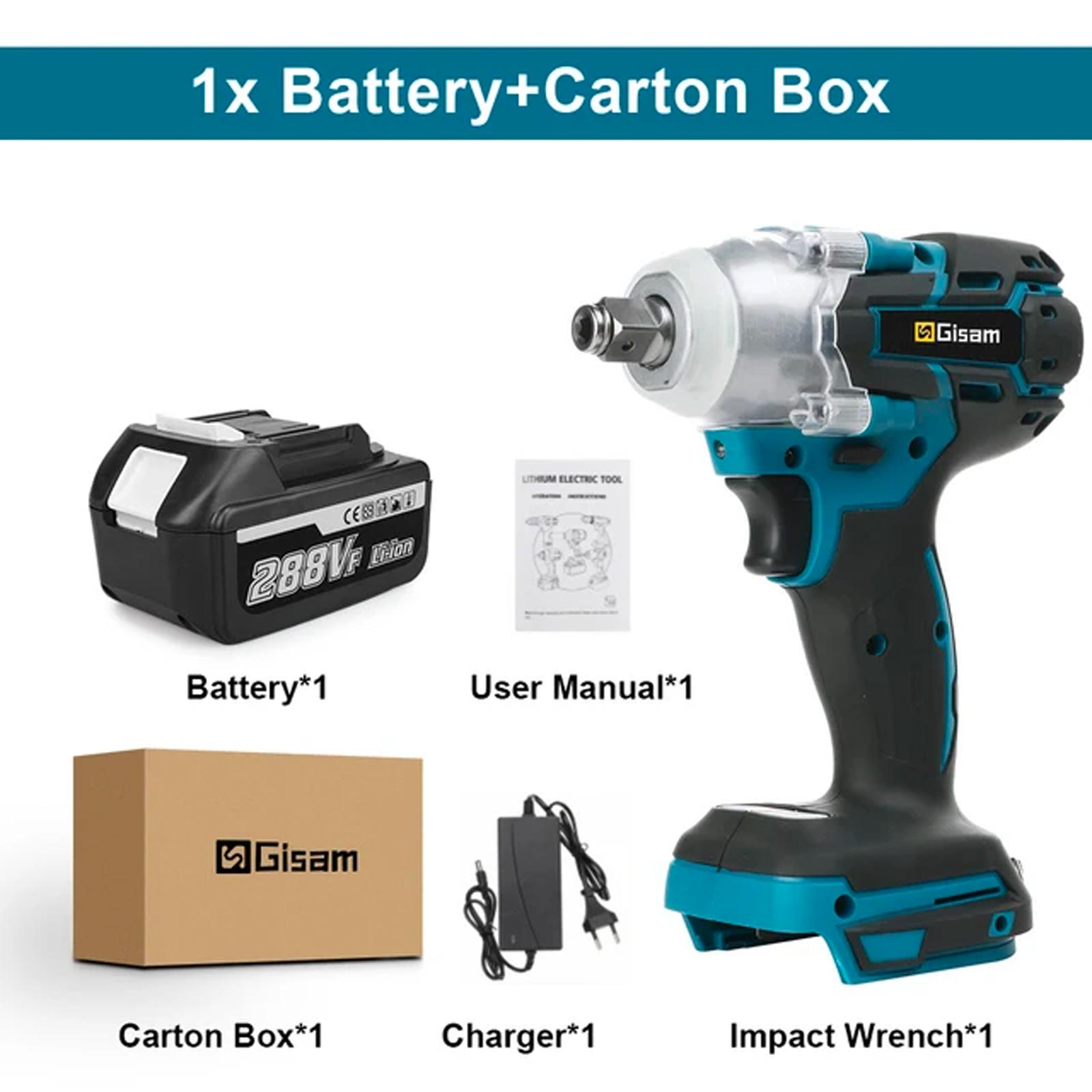
If you’re looking for a reliable and affordable impact wrench, the Gisam 520N.m might be the right choice. This model is popular thanks to its great price-to-quality ratio. Its popularity is confirmed by nearly 1,800 positive reviews on the AliExpress marketplace.
It’s compatible with Makita batteries, has variable speed, reverse function, an LED diode for illumination, and a control panel. Gisam 520N.m impact wrench is a clear winner in the price and performance ratio, so it’s no surprise it placed in the top three best-selling products during the Birthday Sale.
Are you shopping on AliExpress for the first time?See the guide!
Updated 18. 8. 2025 at 13:47
TIPExpress delivery from the Polish warehouse with no customs duty and VAT.
This product will be delivered to you express from a local Polish warehouse. Delivery from Poland usually takes 7–10 days and is handled by a courier. When it’s delivered, you won’t pay any additional fees—no customs duty and no VAT.
Are you shopping on AliExpress for the first time?See the guide!
Updated 18. 8. 2025 at 13:47
TIPExpress delivery from a German warehouse without customs duty and VAT.
This product will be delivered to you express from a local German warehouse. Shipping from Germany usually takes 7–10 days, and delivery is handled by a courier. When it arrives, you won’t pay any extra fees—no customs duty or VAT.
Are you shopping on AliExpress for the first time?See the guide!
Updated 18. 8. 2025 at 13:47
TIPExpress delivery from a German warehouse without customs duty and VAT.
This product will be delivered to you express from a local German warehouse. Shipping from Germany usually takes 7–10 days, and delivery is handled by a courier. When it arrives, you won’t pay any extra fees—no customs duty or VAT.
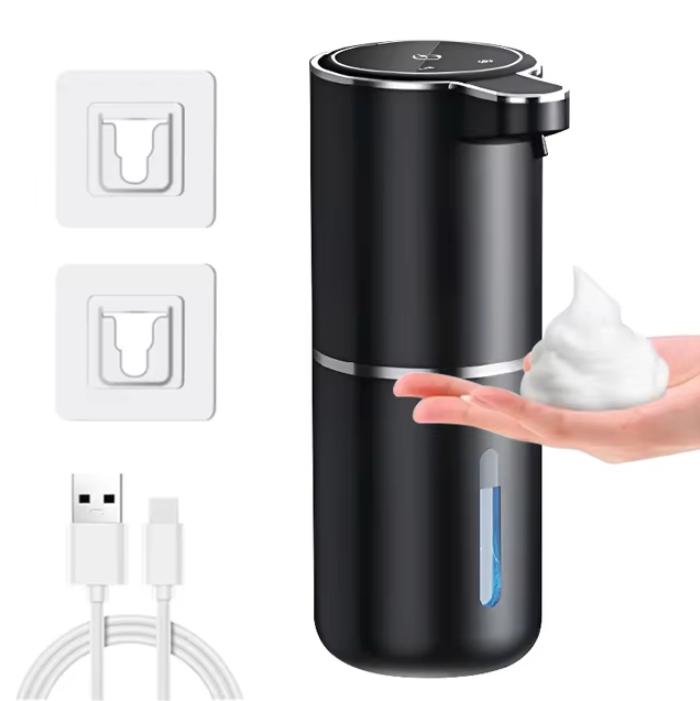
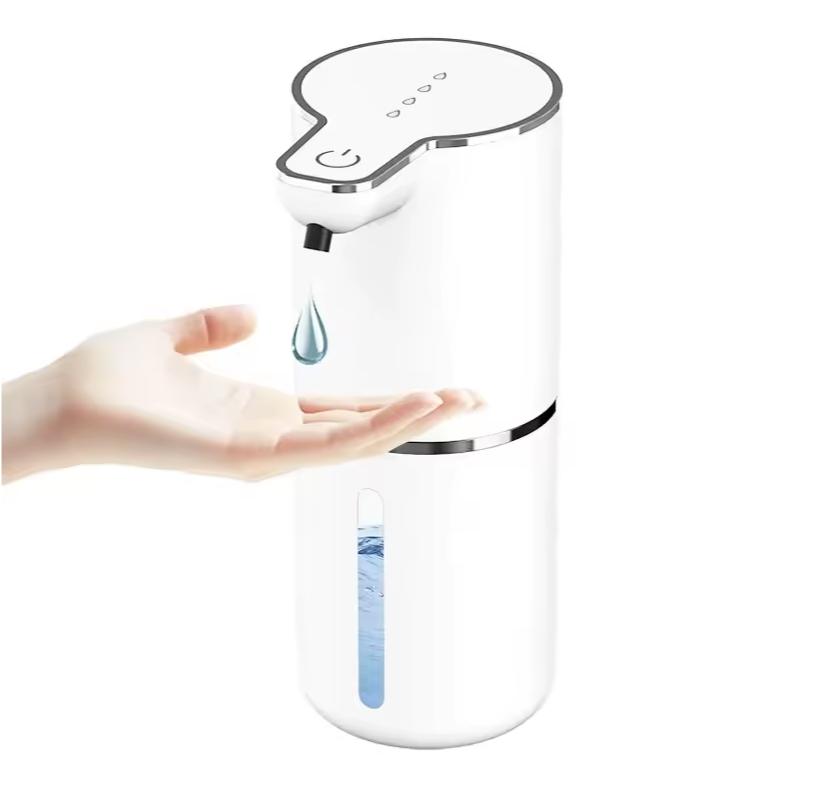
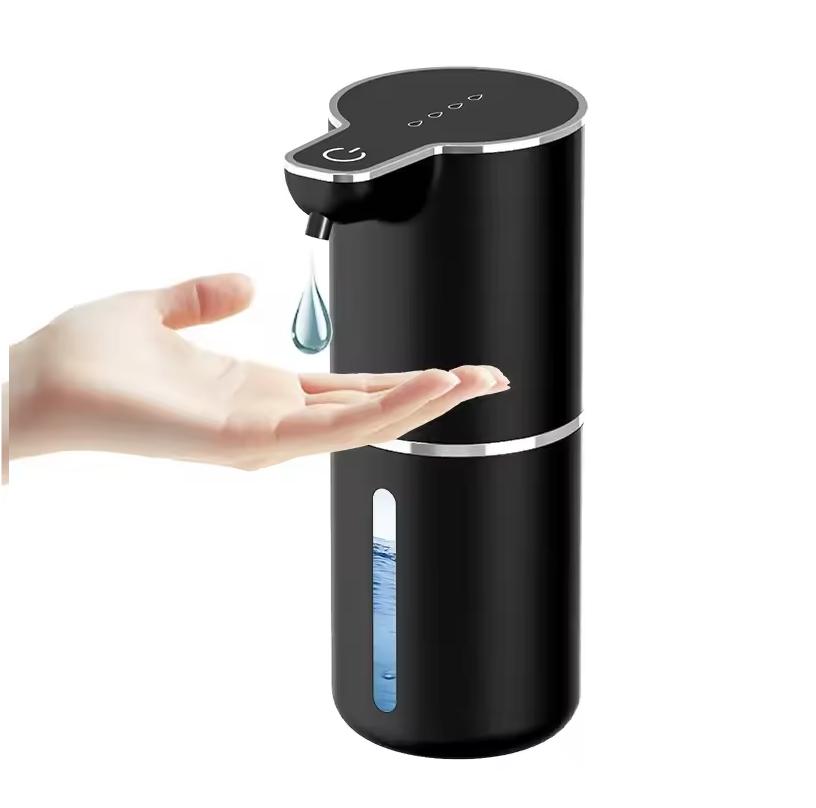
3. Automatic soap dispenser – more than 65 orders!
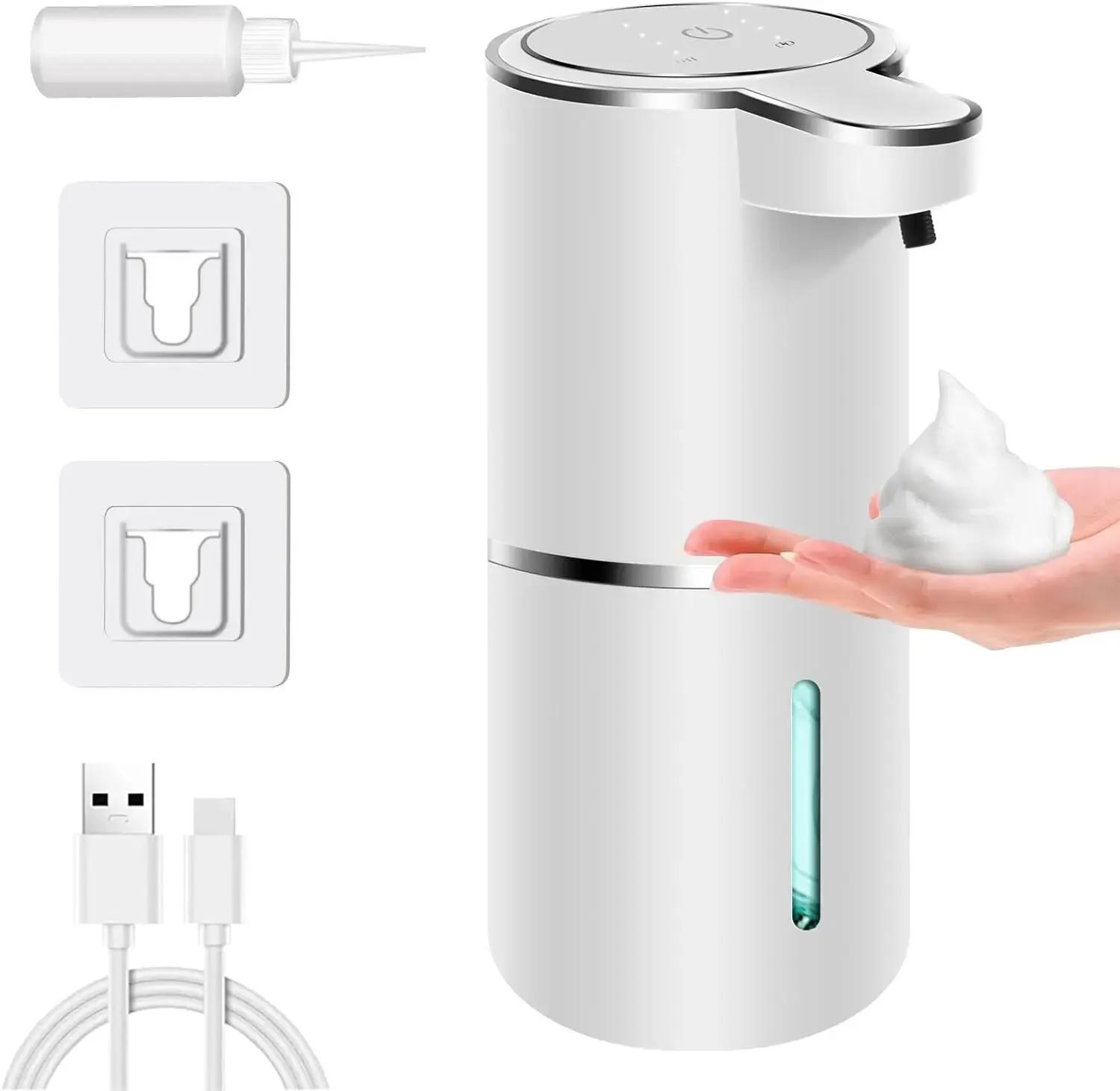
This foam soap dispenser is very practical because it offers USB-C charging and easy refilling. Unlike the Xiaomi dispenser, which had its drawbacks, this alternative is more reliable — and it also doesn’t require frequent battery replacements.
The soap dispenser also succeeded with 800 reviews, including 18 reviews directly from Slovaks, where it received an excellent rating of 4.9 out of 5.
Are you shopping on AliExpress for the first time?See the guide!
Updated July 7, 2026 at 13:19
TIP15-day delivery via Aliexpress Standard Shipping
For this product, AliExpress Standard Shipping is available with guaranteed delivery within 15 days. This is the most reliable shipping method and in most cases it’s delivered by a courier company. 15-day delivery we’ve tested it for real.
When you order from a Chinese warehouse, AliExpress adds a customs fee to your cart of about €3,70 per order. When you receive the package, you don’t pay anything extra.
Are you shopping on AliExpress for the first time?See the guide!
Updated July 7, 2026 at 13:19
TIP15-day delivery via Aliexpress Standard Shipping
For this product, Aliexpress Standard Shipping is available with guaranteed delivery within 15 days. It’s the most reliable delivery method and, in most cases, it’s handled by a courier company. The 15-day delivery is something we actually tested.
When you order from a Chinese warehouse, AliExpress adds a customs fee to your cart of about €3,70 per order. When you receive the package, you don’t pay anything extra.
Are you shopping on AliExpress for the first time?See the guide!
Updated July 7, 2026 at 13:19
TIP15-day delivery via Aliexpress Standard Shipping
For this product, Aliexpress Standard Shipping is available with guaranteed delivery within 15 days. It’s the most reliable delivery method and, in most cases, it’s handled by a courier company. The 15-day delivery is something we actually tested.
When you order from a Chinese warehouse, AliExpress adds a customs fee to your cart of about €3,70 per order. When you receive the package, you don’t pay anything extra.
Are you shopping on AliExpress for the first time?See the guide!
Updated July 7, 2026 at 13:19
TIP15-day delivery via Aliexpress Standard Shipping
For this product, Aliexpress Standard Shipping is available with guaranteed delivery within 15 days. It’s the most reliable delivery method and, in most cases, it’s handled by a courier company. The 15-day delivery is something we actually tested.
When you order from a Chinese warehouse, AliExpress adds a customs fee to your cart of about €3,70 per order. When you receive the package, you don’t pay anything extra.
Are you shopping on AliExpress for the first time?See the guide!
Updated July 7, 2026 at 13:19
TIP15-day delivery via Aliexpress Standard Shipping
For this product, Aliexpress Standard Shipping is available with guaranteed delivery within 15 days. It’s the most reliable delivery method and, in most cases, it’s handled by a courier company. The 15-day delivery is something we actually tested.
When you order from a Chinese warehouse, AliExpress adds a customs fee to your cart of about €3,70 per order. When you receive the package, you don’t pay anything extra.
4. Magcubic HY300 projector – more than 30 orders!
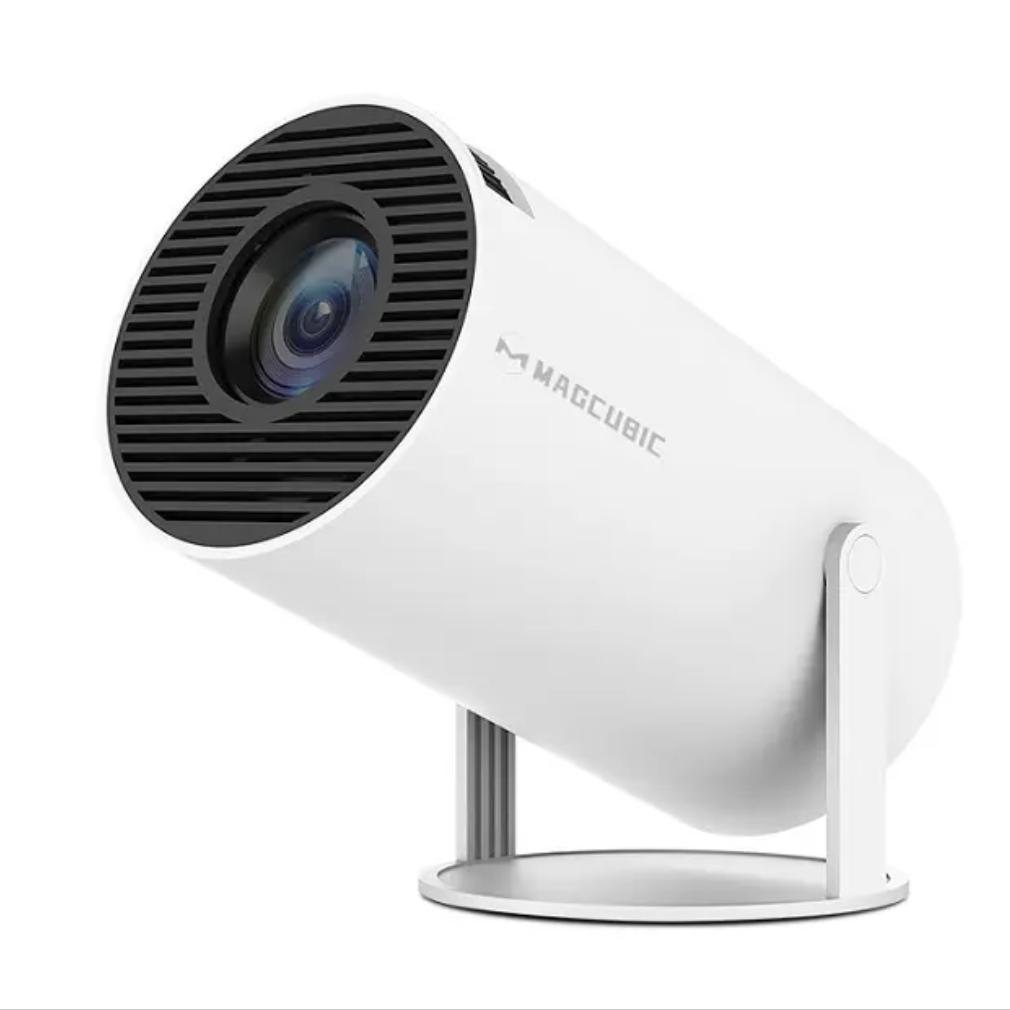
Magcubic HY300 mini projector earned its well-deserved popularity during the Birthday Sale on AliExpress thanks to its excellent features and affordable price. It offers HD resolution and smooth performance on Android 11, making it an accessible choice for movie lovers.
With auto keystone correction and the ability to project an image up to 200 inches, this projector offers an impressive visual experience, whether indoors or for outdoor use. Thanks to these features and its attractive price, more than 30 customers ordered it during the sale.
Are you shopping on AliExpress for the first time?See the guide!
Updated 26. 3. 2026 at 14:00
TIPExpress delivery from the Polish warehouse with no customs duty and VAT.
This product will be delivered to you express from a local Polish warehouse. Delivery from Poland usually takes 7–10 days and is handled by a courier. When it’s delivered, you won’t pay any additional fees—no customs duty and no VAT.
Are you shopping on AliExpress for the first time?See the guide!
Updated 26. 3. 2026 at 14:00
TIP15-day delivery via Aliexpress Standard Shipping
For this product, Aliexpress Standard Shipping is available with guaranteed delivery within 15 days. It’s the most reliable delivery method and, in most cases, it’s handled by a courier company. The 15-day delivery is something we actually tested.
When you order from a Chinese warehouse, AliExpress adds a customs fee to your cart of about €3,70 per order. When you receive the package, you don’t pay anything extra.
Ad
5. Lenovo Lecoo C8 – more than 50 orders!
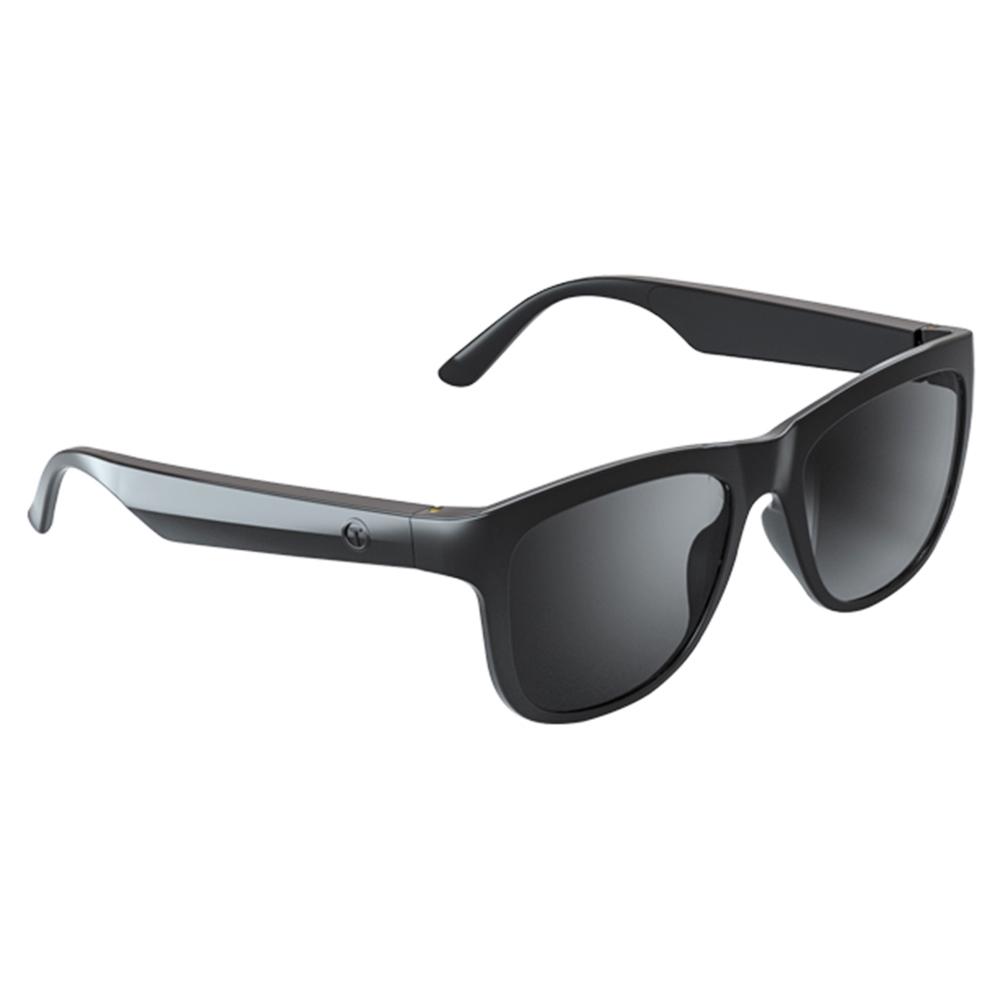
Polarized sunglasses Lenovo Lecoo C8 will impress you not only with their price, but also with their smart features. These smart glasses from the well-known Lenovo brand are more than just sun protection, because they offer modern technology while still looking elegant.
You can still take advantage just like our other 50 readers and get them at a great price on AliExpress, where they are still available with fast and free delivery. No worries about extra charges, you can choose from three color variants of the lenses.
Are you shopping on AliExpress for the first time?See the guide!
Updated 10. 12. 2025 at 12:28
TIP15-day delivery via Aliexpress Standard Shipping
For this product, Aliexpress Standard Shipping is available with guaranteed delivery within 15 days. It’s the most reliable delivery method and, in most cases, it’s handled by a courier company. The 15-day delivery is something we actually tested.
When you order from a Chinese warehouse, AliExpress adds a customs fee to your cart of about €3,70 per order. When you receive the package, you don’t pay anything extra.
TIPWith Banggood Priority Shipping, you don’t pay any extra fees.
We recommend choosing Banggood Priority Shipping, where you won’t have to pay anything extra. Customs fees and any VAT will be handled by the seller for you. Shipping can be selected in the cart, after you enter the delivery address. Delivery with Banggood Priority Shipping usually takes about 15–20 days, but it may also take longer.
6. CARSUN electric air compressor – more than 35 orders!
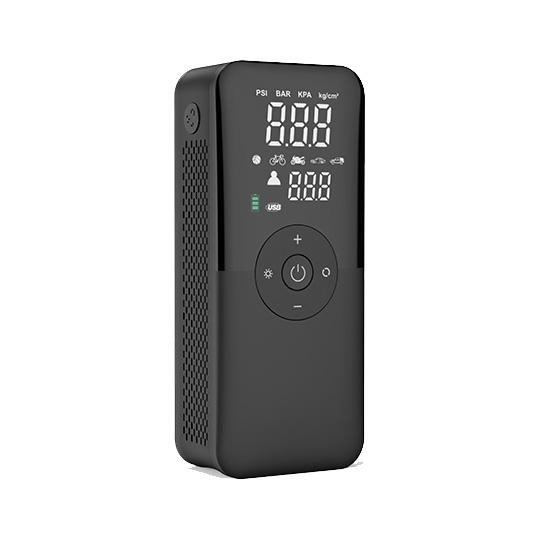
The CARSUN electric compressor is very popular, with more than 35 orders, thanks to its compact size, portability, and performance at an affordable price. This model with a built-in battery is also available in our Maldo.sk e-shop, shipped directly from the warehouse in Košice.
Compared to popular Xiaomi compressors, the CARSUN compressor offers the same quality and performance, with the added button to release air. For more detailed comparisons and tests of the CARSUN compressor versus Xiaomi models, read our article.
Are you shopping on AliExpress for the first time?See the guide!
Updated 3. 6. 2026 at 13:21
TIP15-day delivery via Aliexpress Standard Shipping
For this product, Aliexpress Standard Shipping is available with guaranteed delivery within 15 days. It’s the most reliable delivery method and, in most cases, it’s handled by a courier company. The 15-day delivery is something we actually tested.
When you order from a Chinese warehouse, AliExpress adds a customs fee to your cart of about €3,70 per order. When you receive the package, you don’t pay anything extra.
7. Gisam 1800N.M – more than 25 orders!
A reliable impact wrench Gisam 1800N.m, the stronger brother of the Gisam 520N.m which ranked 2nd in this birthday sale, will prove useful when working with wooden structures, assembling metal racks, as well as when tightening and loosening large screws and nuts.
With its power and flexibility, Gisam 1800N.m excels in various working conditions, from the automotive industry to construction. Like the 520N.m model, the 1800N.m is fully compatible with 18 V Makita batteries and will also handle the wheels on a Tatra.
Are you shopping on AliExpress for the first time?See the guide!
Updated 25. 8. 2026 at 09:41
TIPExpress delivery from the Polish warehouse with no customs duty and VAT.
This product will be delivered to you express from a local Polish warehouse. Delivery from Poland usually takes 7–10 days and is handled by a courier. When it’s delivered, you won’t pay any additional fees—no customs duty and no VAT.
Are you shopping on AliExpress for the first time?See the guide!
Updated 25. 8. 2026 at 09:41
TIPExpress delivery from the Polish warehouse with no customs duty and VAT.
This product will be delivered to you express from a local Polish warehouse. Delivery from Poland usually takes 7–10 days and is handled by a courier. When it’s delivered, you won’t pay any additional fees—no customs duty and no VAT.
Are you shopping on AliExpress for the first time?See the guide!
Updated 25. 8. 2026 at 09:41
TIPExpress delivery from a German warehouse without customs duty and VAT.
This product will be delivered to you express from a local German warehouse. Shipping from Germany usually takes 7–10 days, and delivery is handled by a courier. When it arrives, you won’t pay any extra fees—no customs duty or VAT.
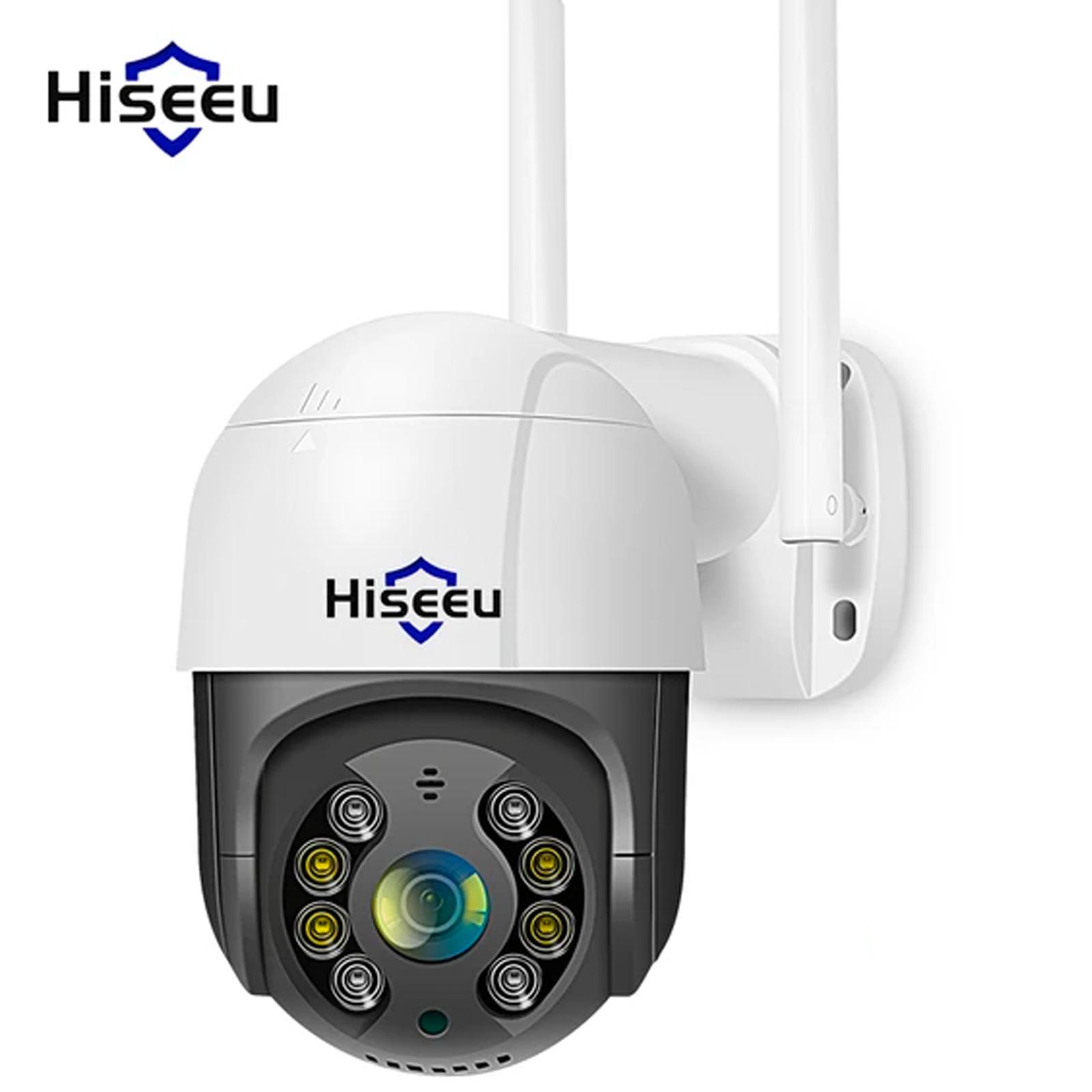
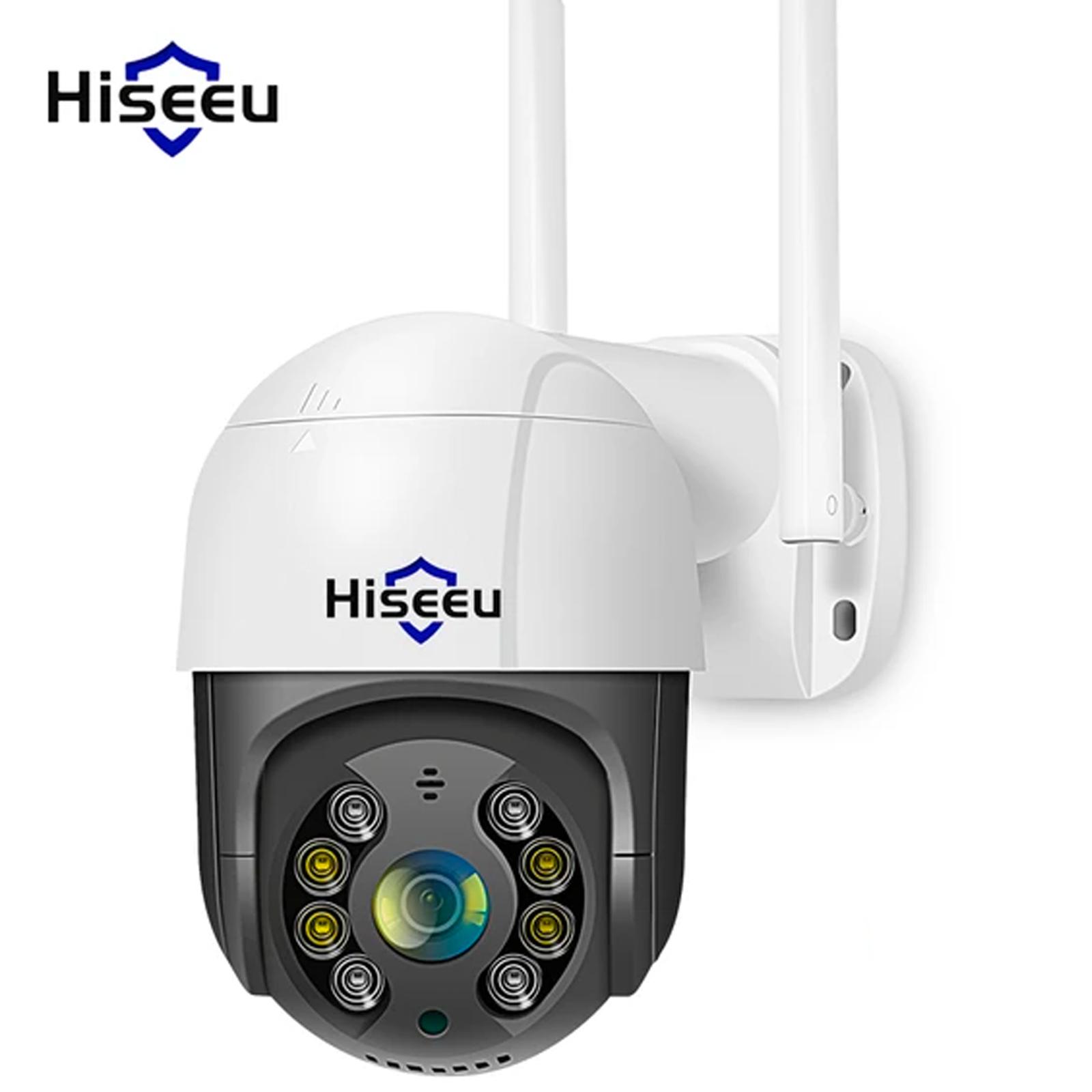
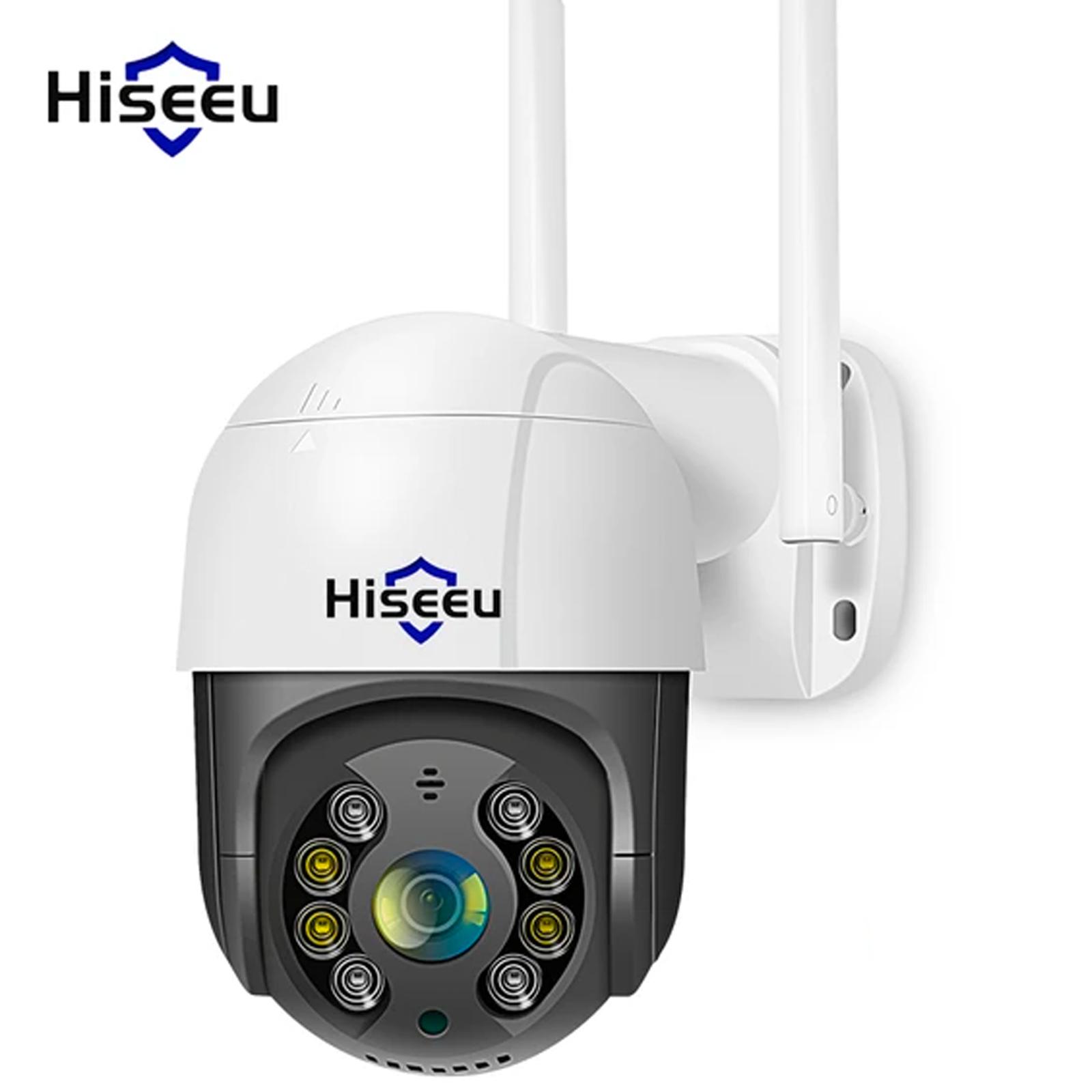
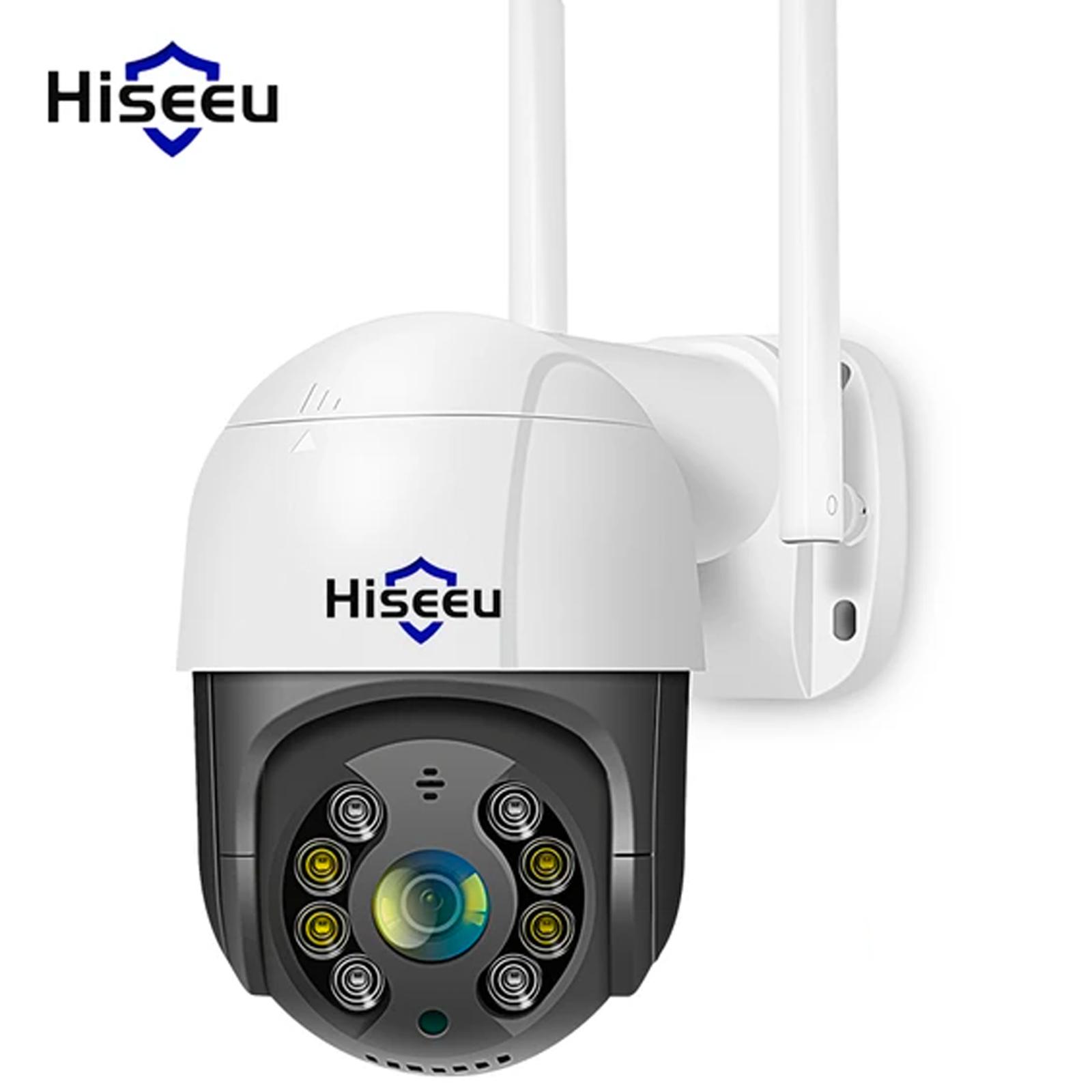
8. Hiseeu Smart WiFi PTZ camera – more than 20 orders!
Hiseeu Smart WiFi PTZ IP camera with a great price of 21,34 € became one of the best-selling products during the birthday sale on AliExpress.
With its 5x digital zoom function and AI recognition, it actively helps increase home security. Its popularity confirms that quality and affordability can go hand in hand, which many of our customers appreciated.
TIPWith Banggood Priority Shipping, you don’t pay any extra fees.
We recommend choosing Banggood Priority Shipping, where you won’t have to pay anything extra. Customs fees and any VAT will be handled by the seller for you. Shipping can be selected in the cart, after you enter the delivery address. Delivery with Banggood Priority Shipping usually takes about 15–20 days, but it may also take longer.
TIPWith Banggood Priority Shipping, you don’t pay any extra fees.
We recommend choosing Banggood Priority Shipping, where you won’t have to pay anything extra. Customs fees and any VAT will be handled by the seller for you. Shipping can be selected in the cart, after you enter the delivery address. Delivery with Banggood Priority Shipping usually takes about 15–20 days, but it may also take longer.
Are you shopping on AliExpress for the first time?See the guide!
Updated 13. 6. 2024 at 13:48
TIP13-day delivery via Aliexpress Standard Shipping
For this product, Aliexpress Standard Shipping is available with guaranteed delivery within 13 days. It’s the most reliable shipping method, and in most cases the courier company delivers it.
When you order from a Chinese warehouse, AliExpress adds a customs fee to your cart of about €3,70 per order. When you receive the package, you don’t pay anything extra.
Are you shopping on AliExpress for the first time?See the guide!
Updated 13. 6. 2024 at 13:48
TIP13-day delivery via Aliexpress Standard Shipping
For this product, Aliexpress Standard Shipping is available with guaranteed delivery within 13 days. It’s the most reliable shipping method, and in most cases the courier company delivers it.
When you order from a Chinese warehouse, AliExpress adds a customs fee to your cart of about €3,70 per order. When you receive the package, you don’t pay anything extra.
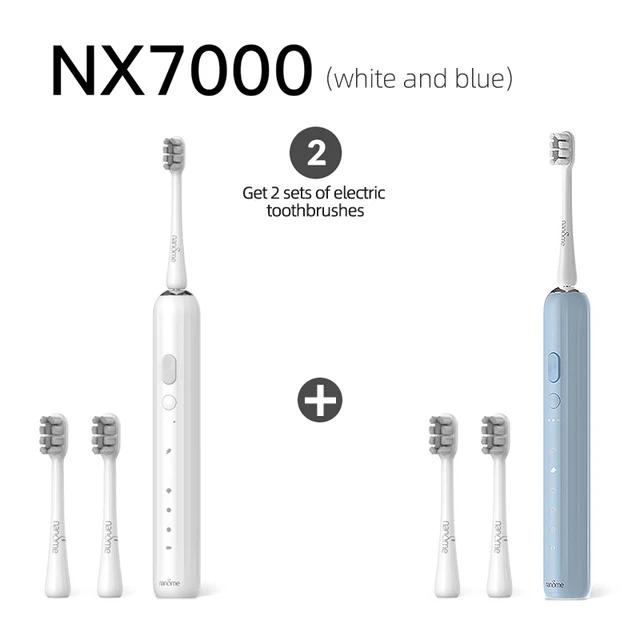
9. Nandme NX7000 – more than 40 orders!
Sonic toothbrush Nandme NX7000 stands out with its high-frequency Maglev 4.0 sonic motor, reaching a frequency of up to 41 000 rpm per minute, ensuring thorough cleaning.
It offers five cleaning modes with three intensity levels to meet different oral hygiene needs. With its 2600 mAh battery, the brush provides up to 1 year of battery life on a single charge and features a USB Type-C connector for convenient charging.
ChinaPlanet deal
Nandme NX7000
19,00 €You save 9,27 €
9,73 €
CouponNANDME0405Copied!
% Cart discount1,90 €?This discount is applied automatically in the cart before checkout — no coupon code needed.
TIPExpress delivery from the Polish warehouse with no customs duty and VAT.
This product will be delivered to you express from a local Polish warehouse. Delivery from Poland usually takes 7–10 days and is handled by a courier. When it’s delivered, you won’t pay any additional fees—no customs duty and no VAT.
Are you shopping on AliExpress for the first time?See the guide!
Updated 3. 4. 2024 at 17:27
TIPExpress delivery from the Polish warehouse with no customs duty and VAT.
This product will be delivered to you express from a local Polish warehouse. Delivery from Poland usually takes 7–10 days and is handled by a courier. When it’s delivered, you won’t pay any additional fees—no customs duty and no VAT.
Are you shopping on AliExpress for the first time?See the guide!
Updated 3. 4. 2024 at 17:27
TIPExpress delivery from the Polish warehouse with no customs duty and VAT.
This product will be delivered to you express from a local Polish warehouse. Delivery from Poland usually takes 7–10 days and is handled by a courier. When it’s delivered, you won’t pay any additional fees—no customs duty and no VAT.
Are you shopping on AliExpress for the first time?See the guide!
Updated 3. 4. 2024 at 17:27
TIPExpress delivery from the Polish warehouse with no customs duty and VAT.
This product will be delivered to you express from a local Polish warehouse. Delivery from Poland usually takes 7–10 days and is handled by a courier. When it’s delivered, you won’t pay any additional fees—no customs duty and no VAT.
10. OnePlus 12 5G global ROM – 23 orders!
OnePlus with global ROM was sold on AliExpress like hotcakes. Considering it’s a fairly expensive smartphone, it sold really well, and there’s nothing surprising about it when it had such a great price tag! For example, the 16 + 512 GB version cost only 606 € and on the OnePlus website the 12 + 256 GB version is sold for 979 €! However, it’s still an installed/reinstalled Chinese version.
Despite that, this model is compatible with all Google services, supports the B20 network, contactless payments, has a premium Hasselblad camera, and has no regional lock — making it a fully usable smartphone on our market. After the clearance sales, the phone on AliExpress isn’t worth it, but compared to the official price when buying via GShopper, you’ll save up to €259.21!
We’ve covered more details about this premium flagship OnePlus 12 in a separate article. You might also like the offer from the GShoppe seller, which has stocked the official EU version at a significantly better price.
China Planet shopping TIP: GShopper has now launched direct bank transfer payments, so you can save another 4.5 % off the product price! Compared to card / Google Pay payment, you can get this product much cheaper. We described the full bank transfer payment process in our article.
Are you shopping on AliExpress for the first time?See the guide!
Updated 1. 5. 2025 o 07:40
TIPExpress delivery from a Spanish warehouse without customs duties or VAT.
This product will be delivered to you express from a local Spanish warehouse. Shipping from Spain usually takes 7–10 days and is handled by courier. When it arrives, you don’t pay any extra fees—no customs duties and no VAT.
Buying on Tradingshenzhen for the first time?See the guide!
Updated 1. 5. 2025 o 07:40
TIPWith Global Priority shipping, you don’t pay any additional fees.
We recommend choosing Global Priority shipping—where you won’t have to pay anything extra. Customs fees and any VAT will be handled by the seller for you. Shipping can be selected in the cart after you enter the delivery address. Delivery via Global Priority usually takes about 15 days, but it may also take longer.
Buying on Tradingshenzhen for the first time?See the guide!
Updated 1. 5. 2025 o 07:40
TIPExpress delivery from a European warehouse without customs duty and VAT.
This product will be delivered to you express from a local warehouse in Europe. Delivery from EU warehouses usually takes 2–10 days and is handled by courier. When it arrives, you won’t pay any additional fees — no customs duty and no VAT.
Are you shopping on Gshopper for the first time?See the guide!
Updated 1. 5. 2025 o 07:40
TIPWith Standard Shipping via GShopper, you pay no extra fees—everything is already included in the price!
We recommend choosing Standard Shipping from the GShopper seller—so you won’t have to pay anything extra. Customs fees and any VAT are handled by the seller for you. Shipping can be selected in the cart, after you enter your delivery address. Delivery with this option usually takes about 15 business days from shipment from the warehouse, but it may also take longer.
Our extra service with VIP support — we’ll handle the order on Gshopper for you and ship it straight to your address.
If you’re not experienced with shopping on Gshopper, your payment won’t go through, or the coupon just isn’t working, we offer our readers and customers a service where we place the order directly to your address. You send us the money by bank transfer, and we’ll order the product straight to you. That way, you don’t have to worry about failed payments or coupon issues, and you can be sure the whole order will go 100 % smoothly. Plus, you automatically get our VIP support — we handle any shipment issues for you and help with claims too. The fee for this service is €15 on top of the product price. You can contact us by email at info(@)chinaplanet.sk or on Messenger, where we’re active all the time.
11. Honor Magic6 Pro 5G – 12 orders!
Honor Magic6 Pro 5G is Honor’s latest flagship, already available on AliExpress at an attractive price with fast delivery from an EU warehouse. This powerful smartphone, driven by top-tier hardware and equipped with advanced AI features, is set to be a real standout.
Thanks to the global version with 12 + 512 GB memory and its top performance in DxOmark tests, it became the best camera phone in the world in Q1 2024. With express delivery in up to 7 days and a clearance price below €900, the Honor Magic6 Pro 5G was an ideal choice for mobile photography enthusiasts. Be sure to follow our sites so you don’t miss these clearance prices for smartphones either — you can see the price is currently much higher.
Right now, after the birthday sales, it’s worth upgrading from the previous generation Honor Magic5 Pro; otherwise, we recommend waiting for the next sales.
Are you shopping on AliExpress for the first time?See the guide!
Updated 21. 2. 2025 at 12:50
TIPExpress delivery from a Spanish warehouse without customs duties or VAT.
This product will be delivered to you express from a local Spanish warehouse. Shipping from Spain usually takes 7–10 days and is handled by courier. When it arrives, you don’t pay any extra fees—no customs duties and no VAT.
Is it your first time buying through Heureka?See the guide!
Updated 21. 2. 2025 at 12:50
TIPExpress delivery from the Slovak warehouse within 1 - 3 business days.
This product will be delivered to you express from a local Slovak warehouse. Delivery usually takes 1-3 business days, and it’s handled by a courier. The price is final.
Are you shopping on Gshopper for the first time?See the guide!
Updated 21. 2. 2025 at 12:50
TIPShipping is completely free.
For this product, shipping is available completely free of charge. However, this is the slowest delivery method, and the item may take 20 days to 1 month to arrive.
When you order from a Chinese warehouse, AliExpress adds a customs fee to your cart of about €3,70 per order. When you receive the package, you don’t pay anything extra.
12. Teclast T50 – 10 orders!
Teclast T50 is an affordable tablet with a 2K display and a powerful 8-core processor, now available at a discounted coupon price. It offers 8 GB of RAM, 256 GB of storage, and the latest Android 13, with fast 18 W charging and a 7500 mAh battery.
The tablet has an 11″ IPS LCD display with a high refresh rate of 120 Hz, VoLTE support, and great audio with four speakers. It’s still available on Aliexpress.com with fast delivery from an EU warehouse. Teclast T50 is a great value option for less money.
Are you shopping on AliExpress for the first time?See the guide!
Updated 16. 5. 2025 at 11:20
TIPExpress delivery from a Spanish warehouse without customs duties or VAT.
This product will be delivered to you express from a local Spanish warehouse. Shipping from Spain usually takes 7–10 days and is handled by courier. When it arrives, you don’t pay any extra fees—no customs duties and no VAT.
Are you shopping on AliExpress for the first time?See the guide!
Updated 16. 5. 2025 at 11:20
TIPExpress delivery from a Spanish warehouse without customs duties or VAT.
This product will be delivered to you express from a local Spanish warehouse. Shipping from Spain usually takes 7–10 days and is handled by courier. When it arrives, you don’t pay any extra fees—no customs duties and no VAT.
13. MOES smart LED RGB spot light – more than 20 orders!
The list of best-selling gadgets during the birthday sale is topped by the smart LED spot light MOES WiFi Smart LED with over 20 orders. It provides a universal lighting solution with voice control and a timer, offers adjustable color temperature (2,700 – 6,500 K) and brightness (0 – 100%).
It supports group control for synchronized lighting across multiple fixtures and comes with pre-set scene modes for every occasion. For full functionality of the Zigbee version, a Zigbee gateway is required. Its energy-saving design and compatibility with Alexa and Google Home make it a smart add-on for any home automation setup.


 15-day delivery



















 Price from: 13,22 €


Discussion (0)