If you’re a tech enthusiast looking for a modern smartphone with great performance at an affordable price, you’ll definitely be interested in the Realme 14 5G. This model was unveiled in March 2025 and immediately impressed with its price-to-specs ratio. With an AMOLED display with a 120 Hz refresh rate, a huge 6000 mAh battery, and the powerful Snapdragon 6 Gen 4 chipset, it feels like a strong competitor in the mid-range smartphone segment.
Better prices with coupons
You can find the Realme 14 5G smartphone in the online store AliExpress from a verified seller. It’s located directly in the European warehouse, which means very fast delivery in as little as 7 days and no extra fees.
This is a global version with support for all our networks, Google services, and also SK/CZ language support. At the seller Realme Flagship Store, you get the official 2-year realme warranty, and service with us is handled by VSP Data in a similar way as with Xiaomi smartphones.
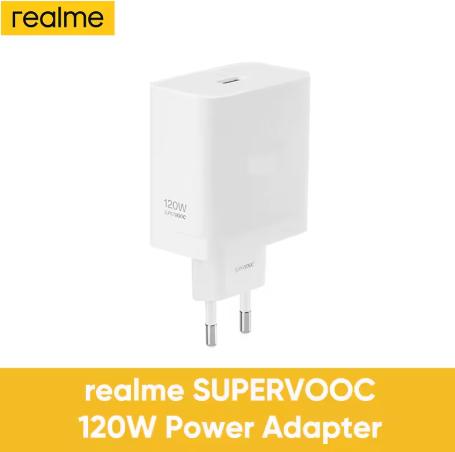
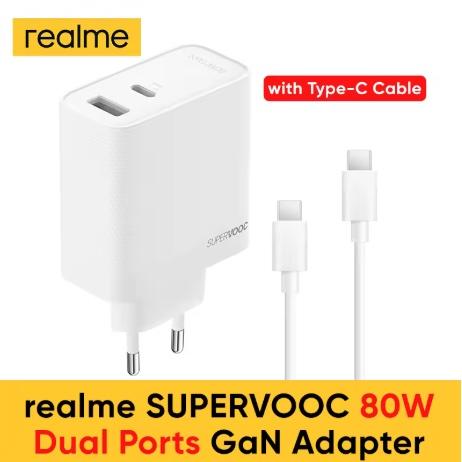
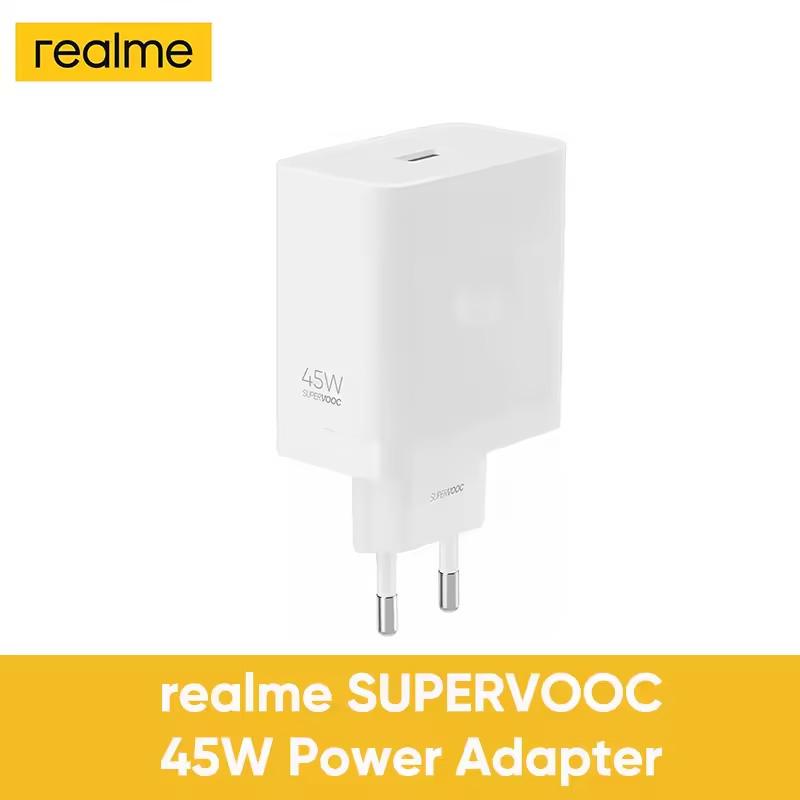
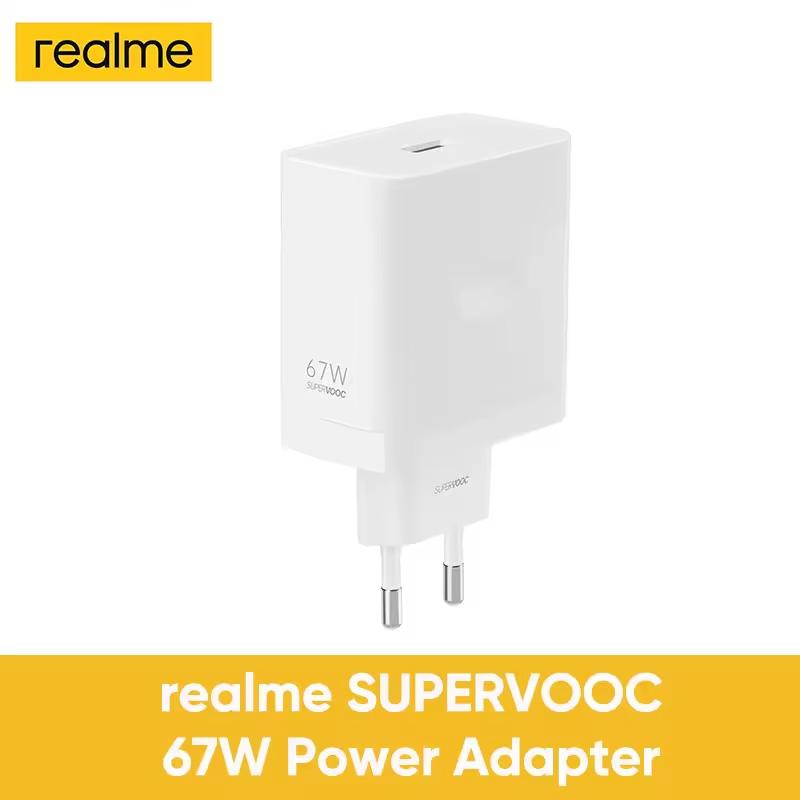
Charger info: The package does not include the original charger—you need to buy it separately.
Are you shopping on AliExpress for the first time?See the guide!
Updated 24. 8. 2026 at 11:20
TIPExpress delivery from the French warehouse with no customs duties or VAT.
This product will be delivered to you express from a local Spanish warehouse. Shipping from Spain usually takes 7–10 days and is handled by courier. When it arrives, you don’t pay any extra fees—no customs duties and no VAT.
Are you shopping on AliExpress for the first time?See the guide!
Updated 24. 8. 2026 at 11:20
TIPExpress delivery from a Spanish warehouse without customs duties or VAT.
This product will be delivered to you express from a local Spanish warehouse. Shipping from Spain usually takes 7–10 days and is handled by courier. When it arrives, you don’t pay any extra fees—no customs duties and no VAT.
You can also buy the charging adapter together with the phone in the European version at a friendly price.
Are you shopping on AliExpress for the first time?See the guide!
Updated 26. 3. 2026 at 12:27
TIPExpress delivery from a Spanish warehouse without customs duties or VAT.
This product will be delivered to you express from a local Spanish warehouse. Shipping from Spain usually takes 7–10 days and is handled by courier. When it arrives, you don’t pay any extra fees—no customs duties and no VAT.
Are you shopping on AliExpress for the first time?See the guide!
Updated 26. 3. 2026 at 12:27
TIPExpress delivery from a Spanish warehouse without customs duties or VAT.
This product will be delivered to you express from a local Spanish warehouse. Shipping from Spain usually takes 7–10 days and is handled by courier. When it arrives, you don’t pay any extra fees—no customs duties and no VAT.
Are you shopping on AliExpress for the first time?See the guide!
Updated 26. 3. 2026 at 12:27
TIPExpress delivery from a Spanish warehouse without customs duties or VAT.
This product will be delivered to you express from a local Spanish warehouse. Shipping from Spain usually takes 7–10 days and is handled by courier. When it arrives, you don’t pay any extra fees—no customs duties and no VAT.
Are you shopping on AliExpress for the first time?See the guide!
Updated 26. 3. 2026 at 12:27
TIPExpress delivery from a Spanish warehouse without customs duties or VAT.
This product will be delivered to you express from a local Spanish warehouse. Shipping from Spain usually takes 7–10 days and is handled by courier. When it arrives, you don’t pay any extra fees—no customs duties and no VAT.
A display that won’t disappoint even the more demanding users
Realme in the case of a 6.67-inch display went for AMOLED technology. The panel with a resolution of 2400 × 1080 px delivers truly great visuals. Thanks to the 120 Hz refresh rate, everything will feel smooth—from everyday scrolling to gaming. Brightness reaches up to 2000 nits, so it stays easy to read even in direct sunlight.
The screen-to-body ratio is about 87 %, so the device also looks sleek. In addition, there’s an optical fingerprint sensor under the display for more reliable and intuitive unlocking.
Performance thanks to Snapdragon 6 Gen 4
Under the hood you’ll find the new Snapdragon 6 Gen 4 chipset, manufactured using a 4 nm process. Combined with up to 12 GB RAM and fast internal storage, you can be sure the phone handles multitasking, demanding apps, and modern games.
The graphics are handled by the Adreno 810 accelerator, delivering a balanced mix of performance and energy efficiency. Android 15 together with Realme UI 6.0 is clean, smooth, and offers plenty of useful features.
Battery and charging—stamina from another league
One of the strongest points of this model is its 6000 mAh battery. Paired with the optimized chipset, the phone will easily last up to two days of use. If needed, you can charge it with 45 W fast charging—half the capacity in about 30 minutes. As we already mentioned, however, you’ll need to buy a charger that supports this technology separately.
There’s also a charging bypass function that powers the device directly while gaming, saving battery life. You’ll especially appreciate it on longer gaming evenings or when streaming multimedia content.
Ad
A camera that can handle 4K video
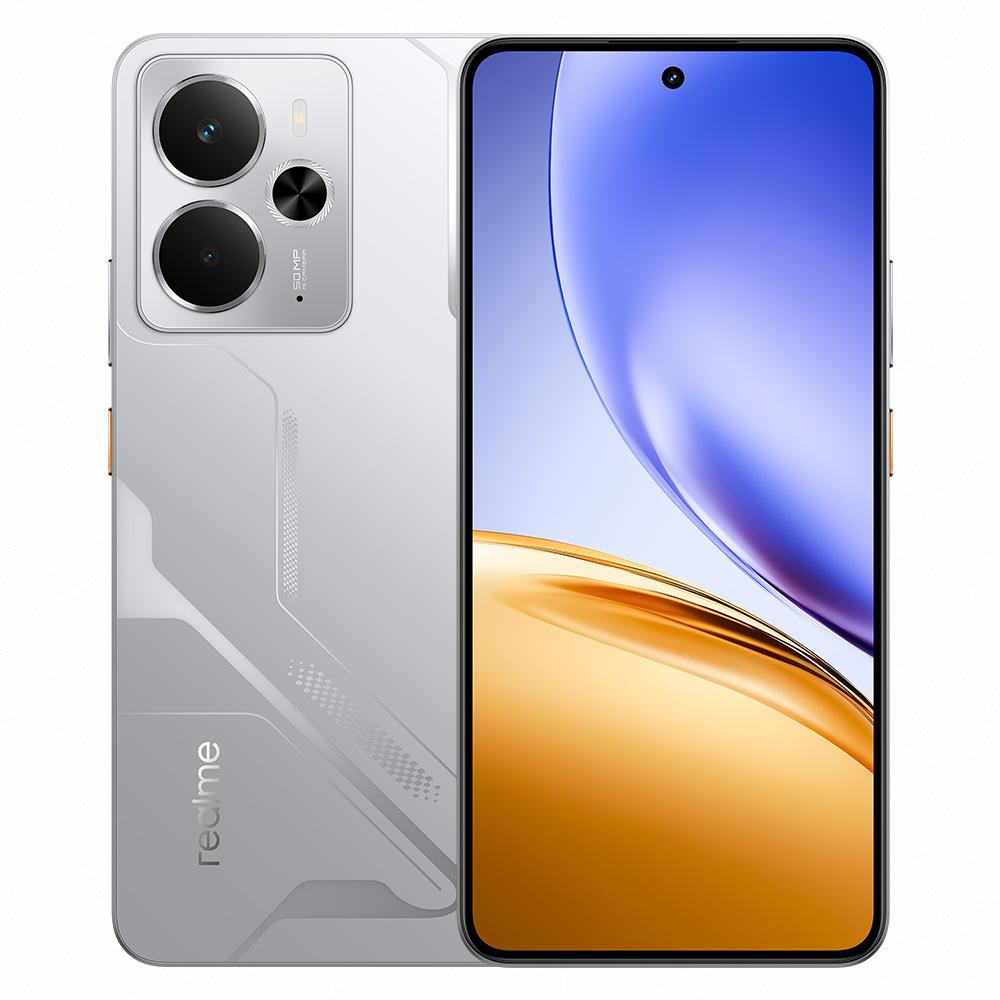
Realme 14 5G comes unusually with a single camera on the back, even though two lenses are visible. The real one houses a 50 MPx sensor with an f/1.8 aperture. Optical image stabilization (OIS) is included, along with autofocus (PDAF) and support for HDR and panorama. There’s also an LED flash.
Surprisingly, it also handles video really well — it supports 4K at 30 fps and 1080p at 60 or even up to 120 fps. The selfie camera has 16 MPx and produces good-quality shots for social media and video calls.
Realme 14 5G – specification table
Realme 14 5G
Dimensions
163.1 x 75.7 x 8 mm
Weight
196 g
Display
6.67" AMOLED / 120 Hz / 2000 nits
Resolution
1080 x 2400 px / 20:9 aspect ratio
Operating system
Android 15 / Realme UI 6.0
Processor
Snapdragon 6 Gen 4 / 4 nm
GPU
Adreno 810
RAM
8 GB / 12 GB
Storage
256 GB / 512 GB / microSDXC
Main camera
50 MP / f/1.8 / OIS / 4K video
Front camera
16 MP / f/2.4
Battery
6000 mAh / 45 W charging
SIM
Nano-SIM + Nano-SIM + eSIM
Durability
IP68 / IP69
Audio
Stereo speakers / without a 3.5 mm jack
Wi-Fi
802.11 a/b/g/n/ac/6 / dual-band
Bluetooth
5.2
NFC
yes
USB
USB-C
Colors
Silver / Titanium / Pink
Follow the China Planet website, sign up for our monthly newsletter, and make sure you also follow our Facebook page, the group All from EU warehouses, and join our Telegram—where we add the best deals and coupons from China day after day.
If I studied this correctly, it could be that the 8GB and 12GB versions differ in the included features. Both should have NFC, and the 12GB model should also have eSIM and an SD card slot compared to the 8GB one. Next week I’ll get the info and share it.
On the realme.com page it lists: 1 SIM + 1 SIM or SD (global version).
On the Ali seller page it says:
in the specifications section – SD card not supported, NFC yes, 2x sim + eSim
Then in the description it’s written that the eSIM has the red version, which is not available (a good trick).
I read that there are several regional versions, and yes there’s a version with eSIM and an SD card, but there’s also a version with only 2x SIM.
🙂 I’m curious what it will be …
NFC should be there as well, even if it isn’t mentioned everywhere.


 Charger info: The package does not include the original charger—you need to buy it separately.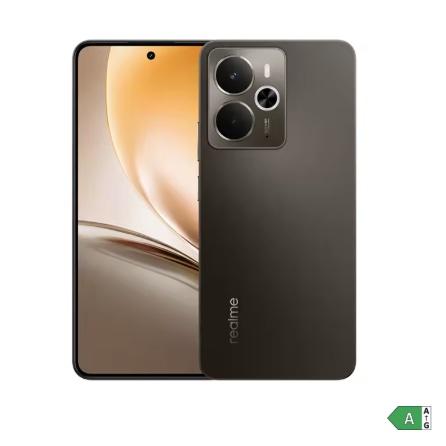



Discussion (7)
Does it have eSIM?
in the table there are two entries (also in the SIM row)
otherwise it seems an interesting replacement for those adapters
So we had a mistake there — eSIM is supported according to the specs on AliExpress as well. We apologize.
If I studied this correctly, it could be that the 8GB and 12GB versions differ in the included features. Both should have NFC, and the 12GB model should also have eSIM and an SD card slot compared to the 8GB one. Next week I’ll get the info and share it.
On the realme.com page it lists: 1 SIM + 1 SIM or SD (global version).
On the Ali seller page it says:
in the specifications section – SD card not supported, NFC yes, 2x sim + eSim
Then in the description it’s written that the eSIM has the red version, which is not available (a good trick).
I read that there are several regional versions, and yes there’s a version with eSIM and an SD card, but there’s also a version with only 2x SIM.
🙂 I’m curious what it will be …
NFC should be there as well, even if it isn’t mentioned everywhere.
The truth is, it has all of that 😉
NFC (not here in the table)
2x nanoSIM + SDxc
e-SIM
In the price tag, that’s super versatile—maximum satisfaction
Great, thanks for the info and feedback—different sources said different things. We’ll update the article.